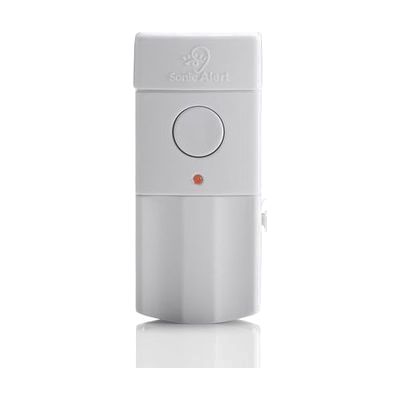
Homeware Wireless Security Alert
by Sonic Alert
Price is what the vendor listed when last checked. Confirm it with the vendor before buying.
Accessory or replacement part Made to go with another product — check it fits what you have.
What it is
Summary
AI-generated from vendor-published content · October 1, 2026
The HomeAware Security Alert is a small wireless transmitter that sends a signal to a HomeAware receiver when something happens, such as a doorbell press. It works as a doorbell button you can mount outside or wire to an existing chime box, and its signal reaches up to 500 feet. A 3.5mm port lets you plug in a motion detector, door or window sensor, or weather radio, so the system can show alerts like MOTION, STORM, HELP, BRGLAR, or ALERT. For doorbell use, you can also pick a door-specific message like DOOR or BKDOOR. This is one piece of a larger system, not a full alert setup by itself. It is meant for someone who can't rely on hearing sounds around the home. Two silver oxide batteries come with it and can last up to two years.
Getting it
Where to get it
This is the vendor WhatCanHelp tracks for this product — it may also be available from other retailers or a local supplier, and prices vary.
Wondering how equipment like this gets paid for? See the official funding programs in your state.
Details
Quick Facts Catalog facts · auto-generated
- Type
- Addresses
- Platform
- Age range
- Complexity
- Setup with instructions
- Price
- $80.99
- Funding
- Out of pocket
What setup looks like
- With a guide
- Pair the transmitter with your HomeAware receiver and choose the message you want it to show, such as DOOR or MOTION.
- Mount it near your door, or connect it to your existing doorbell chime box. Or plug a sensor or weather radio into the 3.5mm port.
- Test the signal from the spot where you plan to use it. Plan on about 30 minutes in all.
Compare & explore
More alerting systems
-
-
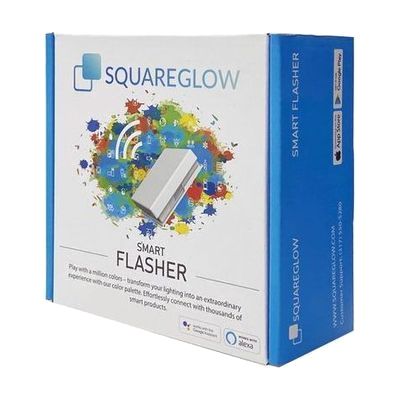
SquareGlow Smart Flasher
$139.99
-
-
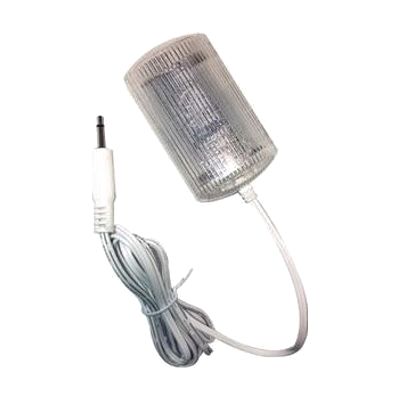
-
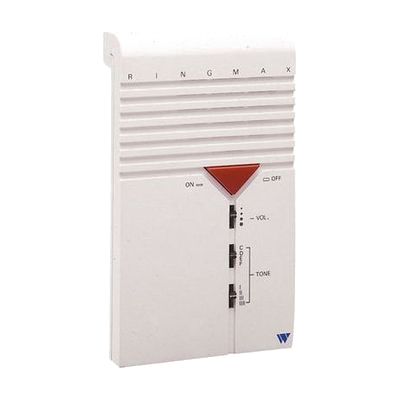
-
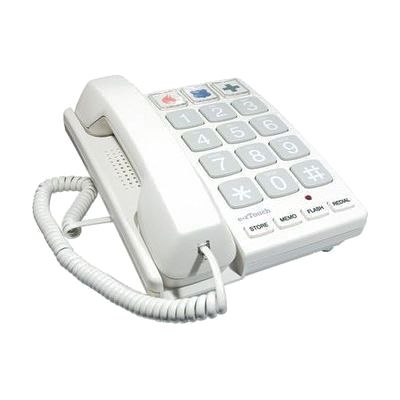
Big Button Braille Phone
$39.95
Sources & fine print
Vendor facts (name, price, platforms, vendor link) sourced from MaxiAids — view on vendor site (opens in a new tab); last checked November 20, 2026.
Classification & description AI-generated from vendor-published content on October 1, 2026 · confidence: high. Vendor specs may lag; verify before relying on details in a clinical or funding artifact.