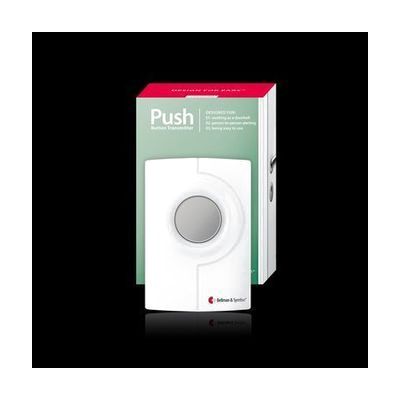
Push Button Transmitter
Price is what the vendor listed when last checked. Confirm it with the vendor before buying.
Accessory or replacement part Made to go with another product — check it fits what you have.
What it is
Summary
AI-generated from vendor-published content · October 1, 2026
This push-button transmitter acts as the doorbell button in a Bellman Visit system. When someone presses it, it sends a radio signal to your Visit receivers, which can alert you with loud sound, bright flashing light, or strong vibration, depending on how your system is set up. You can mount it outside near the door or wear it on the included lanyard for portable use. It is built for deaf and hard-of-hearing households who can't rely on a sound-only chime. This is one piece of a larger system, so it does nothing on its own until you have a Visit receiver to pair it with.
Getting it
Where to get it
This is the vendor WhatCanHelp tracks for this product — it may also be available from other retailers or a local supplier, and prices vary.
Wondering how equipment like this gets paid for? See the official funding programs in your state.
Details
Quick Facts Catalog facts · auto-generated
- Type
- Addresses
- Platform
- Age range
- Complexity
- Setup with instructions
- Price
- $89.95
- Funding
- Out of pocket
What setup looks like
- With a guide
- Pair the transmitter with your Visit receiver by following the pairing steps in the manual.
- Choose where to use it: mount it near your entrance, or put the lanyard on for portable use.
- Press the button and check that your receiver gives the alert you want, whether sound, light, or vibration. Plan on about 20 to 30 minutes in total. See manufacturer support resources for detailed instructions.
Compare & explore
More alerting systems
-
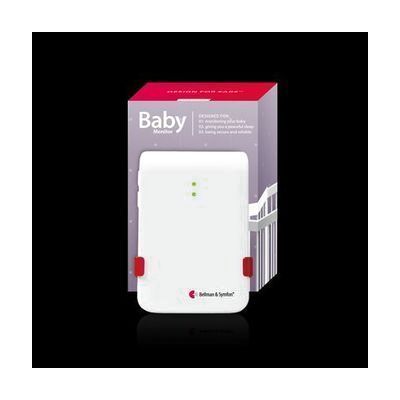
Baby Monitor Transmitter
$119.95
-
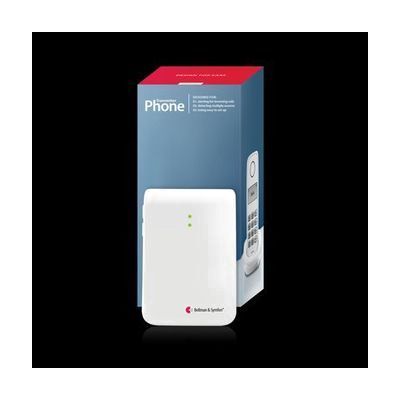
Telephone Transmitter
$119.95
-
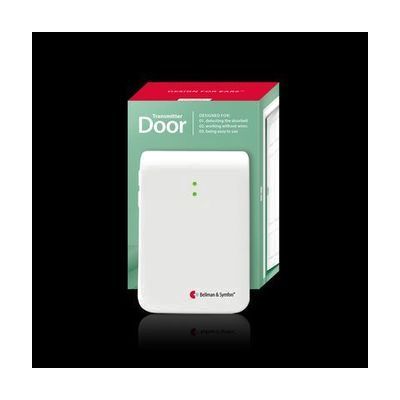
Doorbell Transmitter
$119.95
-
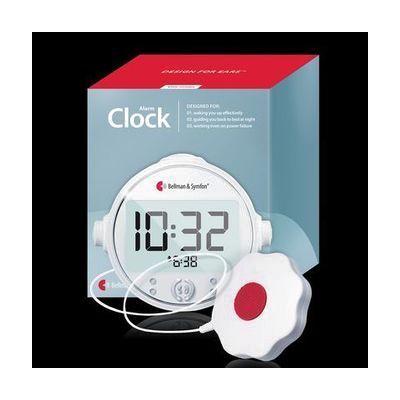
Alarm Clock Pro
$149.95
-
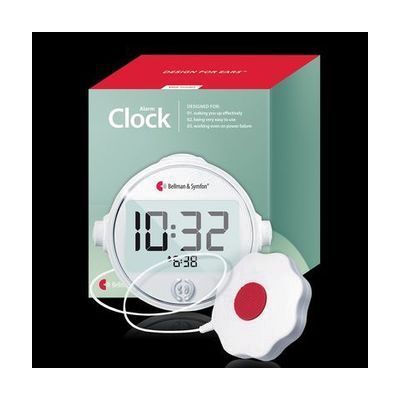
Alarm Clock Classic
$149.95
-
Sources & fine print
Vendor facts (name, price, platforms, vendor link) sourced from Bellman & Symfon — view on vendor site (opens in a new tab); last checked November 25, 2026.
Classification & description AI-generated from vendor-published content on October 1, 2026 · confidence: high. Vendor specs may lag; verify before relying on details in a clinical or funding artifact.