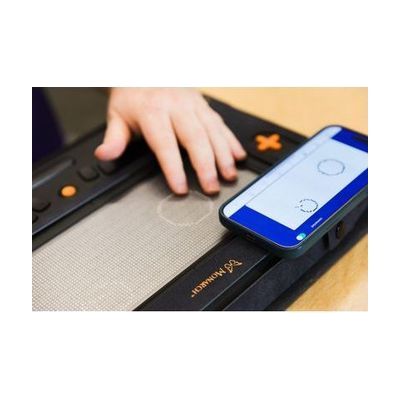
Wing It
by American Printing House for the Blind
Est. $30–$150, see price history
Typical price range, not a vendor quote. Confirm it with the vendor before buying.
Accessory or replacement part Made to go with another product — check it fits what you have.
What it is
Summary
AI-generated from vendor-published content · November 15, 2026
Wing It is a drawing and labeling app for iPad and iPhone that turns what a teacher draws into raised lines on a Monarch tactile display as it happens. Lines, shapes, and braille labels show up on the Monarch right away, so a student who reads by touch can follow along with a lesson in math, science, or geography. Teachers can also build and save graphics ahead of time for later lessons. It works only with a Monarch and a compatible iOS device. Some older iPad and iPhone models don't support it, so check the supported-device list before you count on it.
Getting it
Where to get it
This is the vendor WhatCanHelp tracks for this product — it may also be available from other retailers or a local supplier, and prices vary.
How to fund this
These are common places to ask about paying for equipment like this. Each one decides its own eligibility and what it covers, so start by asking them.
Details
Quick Facts Catalog facts · auto-generated
- Type
- Addresses
- Platform
- Age range
- Complexity
- Setup with instructions
- Price
- Est. $30–$150
- Funding
- Out of pocket
- School district
What setup looks like
- Out of the box
Update your Monarch to software version 1.3 or later, which includes Wing It. The KeyUpdater app can confirm you have the latest version. - With a guide
- Download the free Wing It app from the Apple App Store onto a supported iPad or iPhone, and connect it to your Monarch.
- Try drawing a few lines, shapes, and braille labels to see them appear on the Monarch.
- Watch the short walkthrough video to learn the basics. Most teachers can be drawing in about 30 minutes.
Compare & explore
More low vision aids
-
-
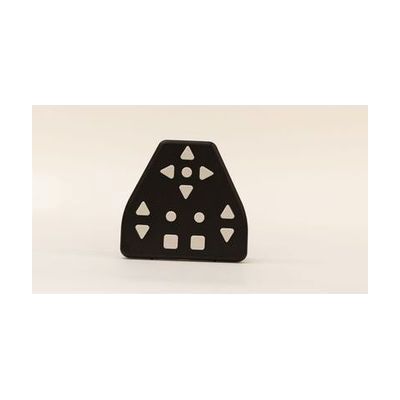
Neptune Keypad
$175.00
-
-
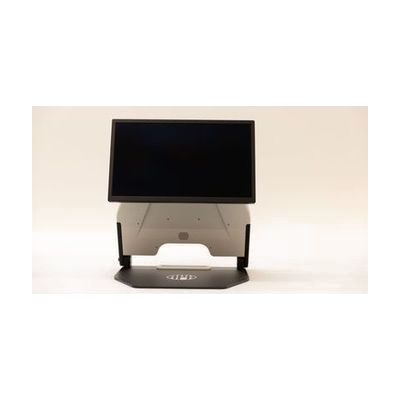
Neptune 13" Monitor
$409.00
-
-
Sources & fine print
Vendor facts (name, price, platforms, vendor link) sourced from American Printing House for the Blind — view on vendor site (opens in a new tab); last checked November 24, 2026.
Classification & description AI-generated from vendor-published content on November 15, 2026 · confidence: high. Vendor specs may lag; verify before relying on details in a clinical or funding artifact.