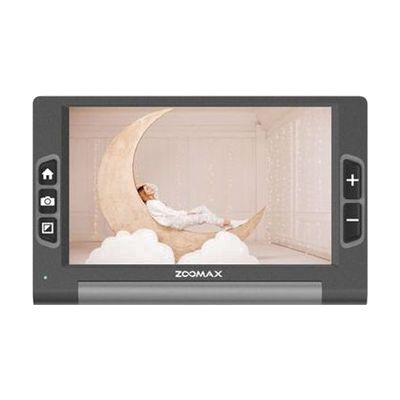
Luna 8 Handheld Video Magnifier
by Zoomax
Price is what the vendor listed when last checked. Confirm it with the vendor before buying.
What it is
Summary
AI-generated from vendor-published content · October 1, 2026
The Luna 8 is a handheld video magnifier with an 8-inch screen and a built-in camera. It enlarges print from 2.5X up to 19X, so you can read labels, prescription bottles, and newspapers. A flip-out stand lets you set it on a table and read hands-free. You can switch between full color and 10 high-contrast color modes, and adjust reading lines and masks to keep your place on the page. It can save up to 200 images, and it connects to a TV, monitor, or computer by cable. A battery gives about 8 hours of use, so you can carry it from room to room.
Getting it
Try before you buy
Devices like this are often available to borrow through your state's AT Act program — typically free or low-cost — so you can try it before buying or pursuing funding.
Where to get it
This is the vendor WhatCanHelp tracks for this product — it may also be available from other retailers or a local supplier, and prices vary.
How to fund this
These are common places to ask about paying for equipment like this. Each one decides its own eligibility and what it covers, so start by asking them.
Details
Quick Facts Catalog facts · auto-generated
- Addresses
- Platform
- Age range
- Complexity
- Ready to use
- Price
- $955.00
- Funding
- AT Act lending
- Insurance
- Medicaid waiver
- Out of pocket
- Vocational rehab
What setup looks like
- Out of the box
- Charge the battery before first use. A full charge takes under 3 hours.
- Turn it on, hold the camera over what you want to read, and use the controls to set the magnification and color mode.
- For hands-free reading, flip out the stand and set the magnifier on a desk or table.
Compare & explore
Sources & fine print
Vendor facts (name, price, platforms, vendor link) sourced from MaxiAids — view on vendor site (opens in a new tab); last checked November 2, 2026.
Classification & description AI-generated from vendor-published content on October 1, 2026 · confidence: high. Vendor specs may lag; verify before relying on details in a clinical or funding artifact.