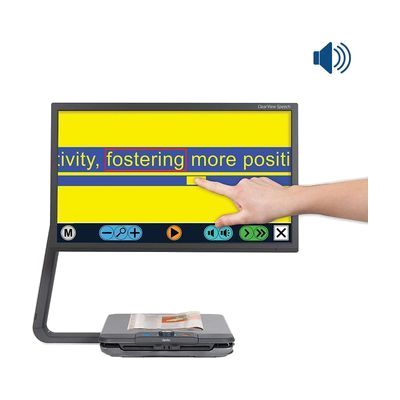
ClearView C Speech
by Optelec
Price is what the vendor listed when last checked. Confirm it with the vendor before buying.
What it is
Summary
AI-generated from vendor-published content · November 18, 2026
The ClearView C Speech is a desktop video magnifier that also reads printed text aloud. You place a document under the camera and see it enlarged on the screen. You can also have it spoken in a voice you choose. It shows a full page at once and works out the layout of the document. That makes it easier to find your place in columns and paragraphs. A touch screen lets you swipe to scroll and point at a word, column or paragraph to select what you want to read. It can also store documents and show photos. It fits someone who finds long reading tiring and wants to switch between magnified text and listening. It is a full desktop unit, so plan to give it a permanent spot on a desk or table.
Getting it
Try before you buy
Devices like this are often available to borrow through your state's AT Act program — typically free or low-cost — so you can try it before buying or pursuing funding.
Where to get it
This is the vendor WhatCanHelp tracks for this product — it may also be available from other retailers or a local supplier, and prices vary.
How to fund this
These are common places to ask about paying for equipment like this. Each one decides its own eligibility and what it covers, so start by asking them.
Details
Quick Facts Catalog facts · auto-generated
- Addresses
- Platform
- Age range
- Complexity
- Setup with instructions
- Price
- $4,998.00
- Funding
- AT Act lending
- Out of pocket
- School district
- Vocational rehab
What setup looks like
- Out of the box
- Set the unit on a desk or table and plug it in.
- Place a page under the camera, choose a reading voice, and start reading or listening.
- With a guide
- Learn the touch screen gestures for scrolling and pointing at words or columns.
- Practice saving documents and viewing photos. Plan on about 30 minutes to feel comfortable.
Compare & explore
More magnification tools
-
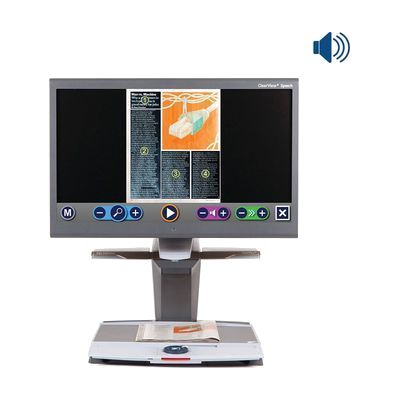
ClearView+ Speech
$4,872.00
-
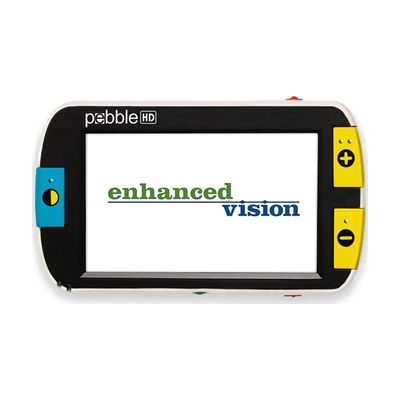
Pebble HD
$702.00
-
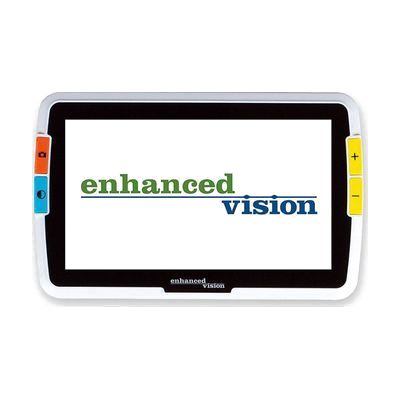
Amigo
$1,470.00
-
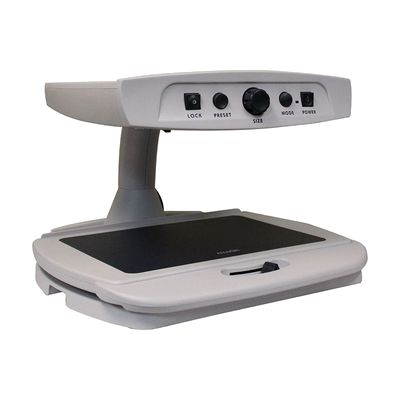
Merlin Basic
$2,546.60
-
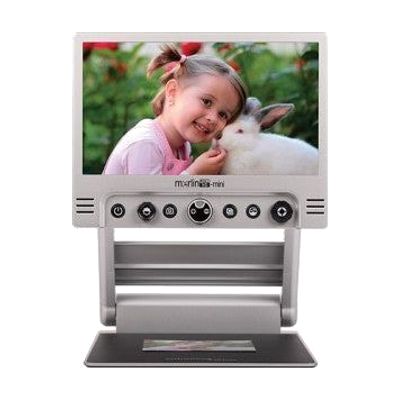
Merlin HD mini
$3,748.50
-
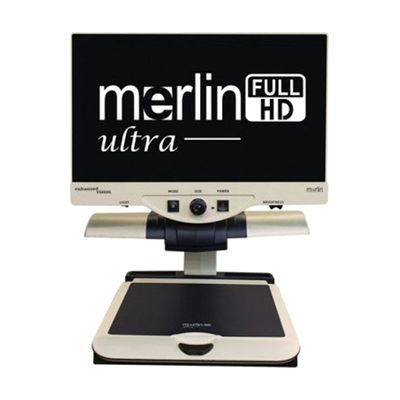
Merlin HD ultra
$3,937.50
Sources & fine print
Vendor facts (name, price, platforms, vendor link) sourced from Freedom Scientific — view on vendor site (opens in a new tab); last checked November 26, 2026.
Classification & description AI-generated from vendor-published content on November 18, 2026 · confidence: high. Vendor specs may lag; verify before relying on details in a clinical or funding artifact.