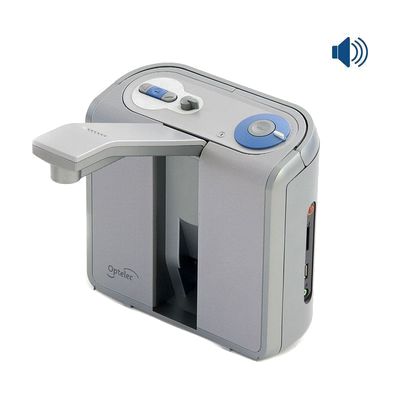
ClearReader+
by Optelec
Price is what the vendor listed when last checked. Confirm it with the vendor before buying.
What it is
Summary
AI-generated from vendor-published content · November 18, 2026
The ClearReader+ is a standalone desktop reader that scans printed pages and reads them aloud. It starts reading within a few seconds, so letters, magazine articles and book pages become speech without a computer or tablet. The buttons have distinct shapes, so they are easy to tell apart by touch. You can pick from many male and female voices in 31 languages and switch between them while reading. A foldable carrying handle lets you move it around the house. There is also a Basic model with no built-in battery that stays plugged into the wall. The Plus model adds extra features, including saving scanned material.
Getting it
Try before you buy
Devices like this are often available to borrow through your state's AT Act program — typically free or low-cost — so you can try it before buying or pursuing funding.
Where to get it
This is the vendor WhatCanHelp tracks for this product — it may also be available from other retailers or a local supplier, and prices vary.
How to fund this
These are common places to ask about paying for equipment like this. Each one decides its own eligibility and what it covers, so start by asking them.
Details
Quick Facts Catalog facts · auto-generated
- Type
- Addresses
- Platform
- Complexity
- Setup with instructions
- Price
- $2,289.80
- Funding
- AT Act lending
- Out of pocket
- School district
- Vocational rehab
What setup looks like
- Out of the box
Plug in the unit, place a page on the scanner, and press the read button to hear it spoken. - With a guide
Choose your preferred voice and language, and learn the extra features such as saving scans. Plan on about 30 minutes with the manual or a vendor tutorial.
Compare & explore
More low vision aids
-
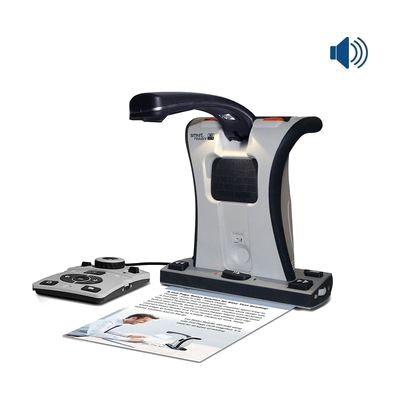
Smart Reader HD
$2,583.00
-
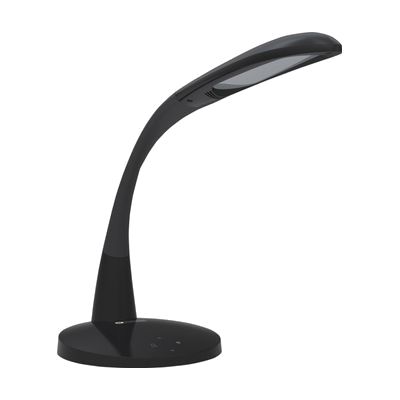
Stella TWO LED Task Lamp
$273.90
-
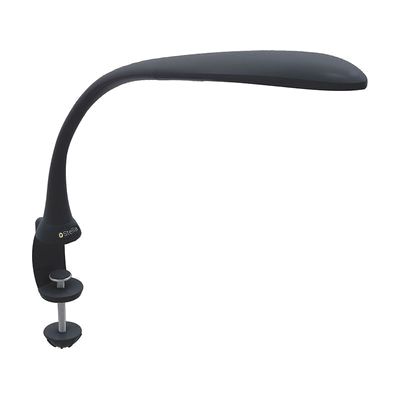
Stella EDGE LED Clamp Light
$218.90
-
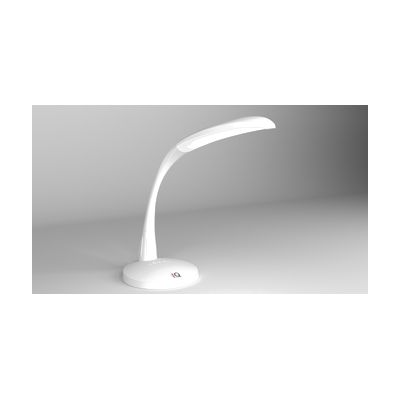
Stella IQ
$1,098.90
-
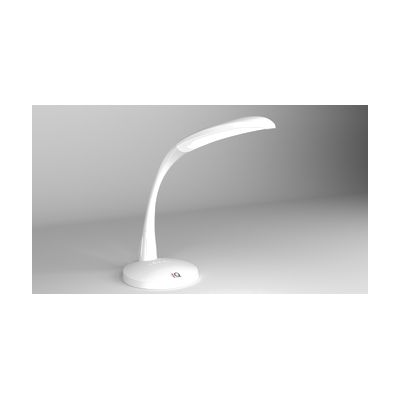
Stella IQ Professional
$1,648.90
-
Sources & fine print
Vendor facts (name, price, platforms, vendor link) sourced from Freedom Scientific — view on vendor site (opens in a new tab); last checked November 26, 2026.
Classification & description AI-generated from vendor-published content on November 18, 2026 · confidence: high. Vendor specs may lag; verify before relying on details in a clinical or funding artifact.