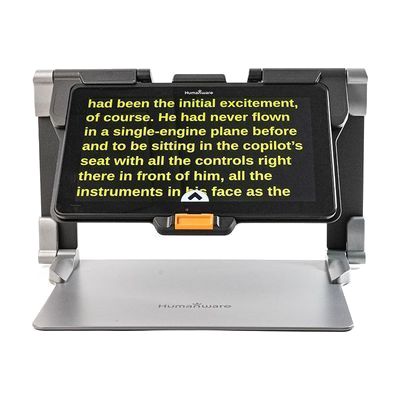
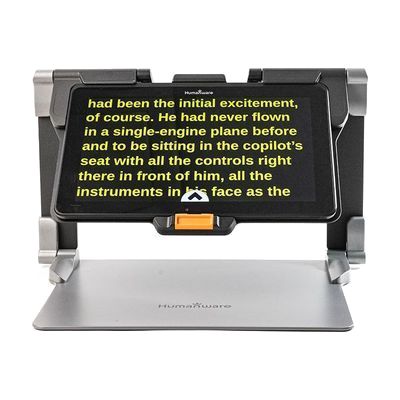
Connect 12 - Smart portable HD magnifier, 10X distance viewing
by HumanWare
Price is what the vendor listed when last checked. Confirm it with the vendor before buying.
What it is
Summary
AI-generated from vendor-published content · November 21, 2026
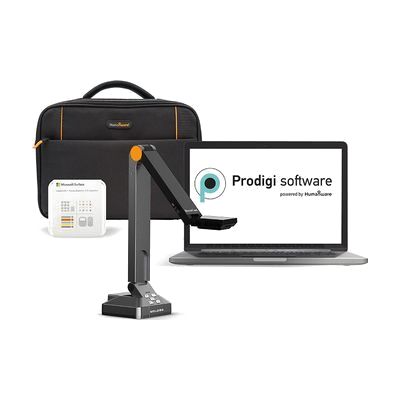
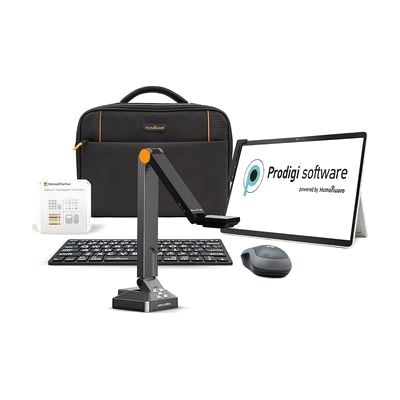
The Connect 12 is a portable video magnifier built on a 12-inch tablet. It shows print and objects up close in high definition, and it reads text out loud for people whose eyes tire quickly. A distance camera is optional and adds a 10X view for things far away, like a classroom board. Because it also runs Google Play apps, email, Google search, a dictionary, calculators and online book access, it can serve as a full study or work device, not only a magnifier. It also works with Google Suite and Microsoft 365. It is a good fit for students and workers with low vision who want one device for reading, class and daily tasks. The distance camera is a separate option, so decide up front whether you need it.
Getting it
Try before you buy
Devices like this are often available to borrow through your state's AT Act program — typically free or low-cost — so you can try it before buying or pursuing funding.
Where to get it
This is the vendor WhatCanHelp tracks for this product — it may also be available from other retailers or a local supplier, and prices vary.
How to fund this
These are common places to ask about paying for equipment like this. Each one decides its own eligibility and what it covers, so start by asking them.
Details
Quick Facts Catalog facts · auto-generated
- Addresses
- Platform
- Age range
- Complexity
- Setup with instructions
- Price
- $2,095.00
- Funding
- AT Act lending
- Out of pocket
- School district
- Vocational rehab
What setup looks like
- Out of the box
Turn it on and use the camera to magnify print right away. - With a guide
- Connect to Wi-Fi and sign in to your accounts to use email, apps and online books.
- Set the magnification level and reading voice you prefer.
- Plan about 30 to 60 minutes to get comfortable with the Prodigi tools and settings.
Compare & explore
More magnification tools
-
-
-
-

Windows Magnifier
Free
-
Orca Screen Reader
Free
-
Sources & fine print
Vendor facts (name, price, platforms, vendor link) sourced from HumanWare — view on vendor site (opens in a new tab); last checked November 23, 2026.
Classification & description AI-generated from vendor-published content on November 21, 2026 · confidence: high. Vendor specs may lag; verify before relying on details in a clinical or funding artifact.