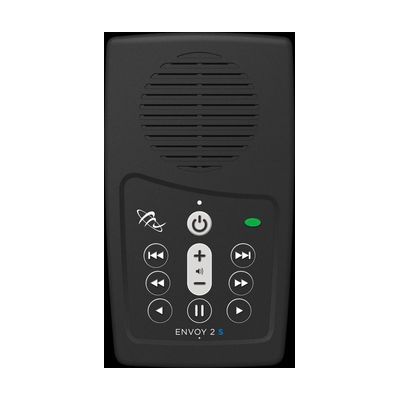
Megavoice Talking Bible
by MegaVoice
Price is what the vendor listed when last checked. Confirm it with the vendor before buying.
What it is
Summary
AI-generated from vendor-published content · October 1, 2026
The MegaVoice Talking Bible is a pocket-size audio player that reads the Bible aloud in a clear male human voice. It holds up to 800 hours of built-in content that can't be erased or recorded over, and raised buttons with four levels of navigation make it easier to find a book, chapter, or favorite passage without seeing a screen. A solar panel on the back charges the battery, or you can charge it from a computer with the mini-USB port. It weighs about 2.3 ounces and comes in the New King James or English Standard version, so you'll need to choose one when you order. This suits someone who is blind, has low vision, or simply prefers listening to reading.
Getting it
Try before you buy
Devices like this are often available to borrow through your state's AT Act program — typically free or low-cost — so you can try it before buying or pursuing funding.
Where to get it
These are the vendors WhatCanHelp tracks for this product — it may also be available from other retailers or a local supplier, and prices vary.
Wondering how equipment like this gets paid for? See the official funding programs in your state.
Details
Quick Facts Catalog facts · auto-generated
- Type
- Addresses
- Platform
- Age range
- Complexity
- Ready to use
- Price
- $64.95
- Funding
- AT Act lending
- Out of pocket
What setup looks like
- Out of the box
- Charge the battery in sunlight using the solar panel on the back, or plug into a computer's USB port with the mini-USB cable.
- Press the raised buttons to start playback and move between books, chapters, and passages. You can be listening within minutes.
Compare & explore
More low vision aids
-
-
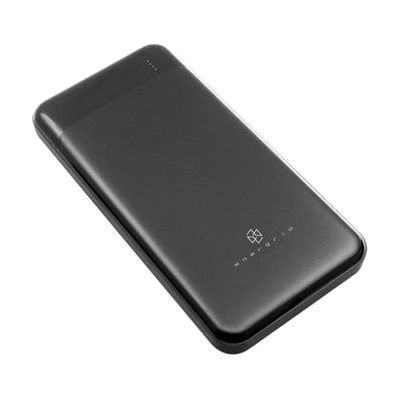
Accessible Power Bank
$74.95
-
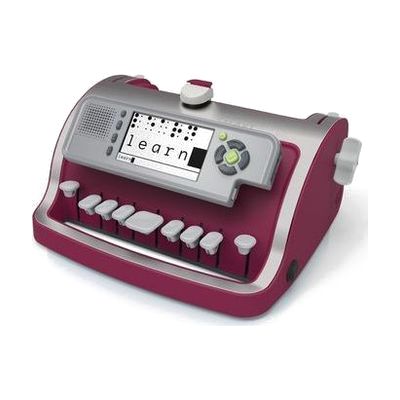
Perkins SMART Brailler
$2,195.00
-
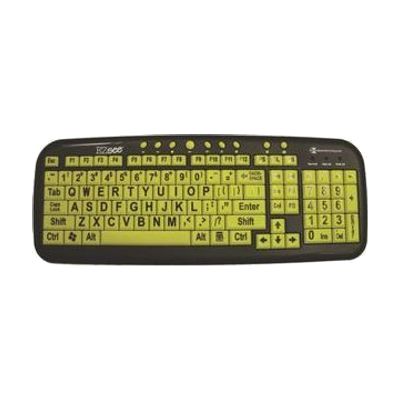
EZ Key Low Vision Keyboard
$29.95
-
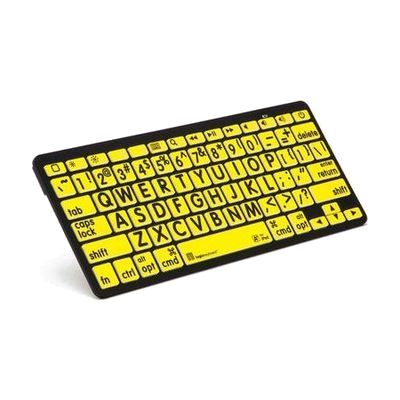
iPad Bluetooth keypad - Yellow Keys Black Letters
$105.76 – $114.95
-
Sources & fine print
Vendor facts (name, price, platforms, vendor link) sourced from LS&S — view on vendor site (opens in a new tab); last checked November 24, 2026.
Classification & description AI-generated from vendor-published content on October 1, 2026 · confidence: high. Vendor specs may lag; verify before relying on details in a clinical or funding artifact.