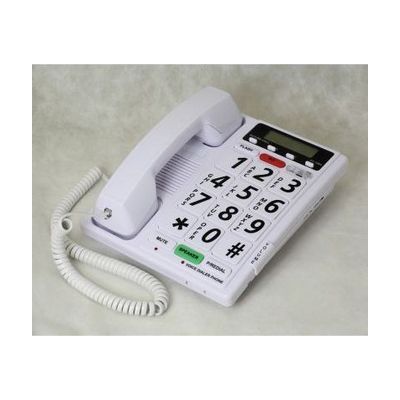
Voice Dialer Phone
by LS&S
Price is what the vendor listed when last checked. Confirm it with the vendor before buying.
What it is
Summary
AI-generated from vendor-published content · October 1, 2026
This speakerphone lets you place and answer calls by voice alone, so you never have to pick up the handset or press a button. Say "Please call" to dial and "Answer call" to pick up. It stores up to 17 names for voice dialing, and the voice recognition is tuned to one user. A talking keypad speaks each number as it's pressed, and the phone announces who is calling. There's also a bright red 911 button that you can program with an emergency number. A visual ring indicator adds a light signal to the ringer, which has two volume levels plus off, and the handset volume has three levels. It's a complete phone for a person who has trouble with small buttons, reading a display, or hearing a ring.
Getting it
Try before you buy
Devices like this are often available to borrow through your state's AT Act program — typically free or low-cost — so you can try it before buying or pursuing funding.
Where to get it
This is the vendor WhatCanHelp tracks for this product — it may also be available from other retailers or a local supplier, and prices vary.
How to fund this
These are common places to ask about paying for equipment like this. Each one decides its own eligibility and what it covers, so start by asking them.
Details
Quick Facts Catalog facts · auto-generated
- Platform
- Complexity
- Setup with instructions
- Price
- $194.95
- Funding
- AT Act lending
- Medicaid waiver
- Out of pocket
- Vocational rehab
What setup looks like
- With a guide
- Connect the phone to your phone line and power following the printed manual or the setup video on the product page.
- Record the names you want to call by voice (up to 17), then test the "Please call" and "Answer call" commands. Because voice recognition is user-specific, the main user should do this training.
- Program the 911 button with the emergency number and set the handset and ringer volumes. Plan on about 30 minutes in total.
Compare & explore
More alerting systems
-
-
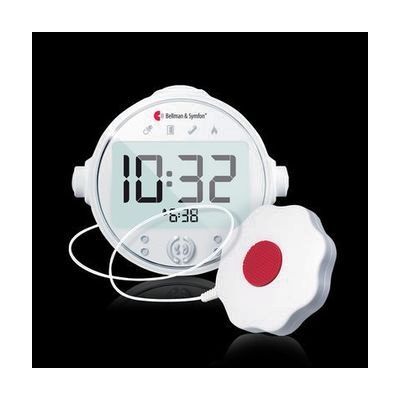
Bellman Alarm Clock Receiver
$279.95
-
-
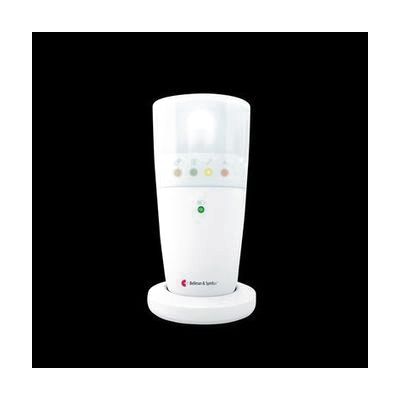
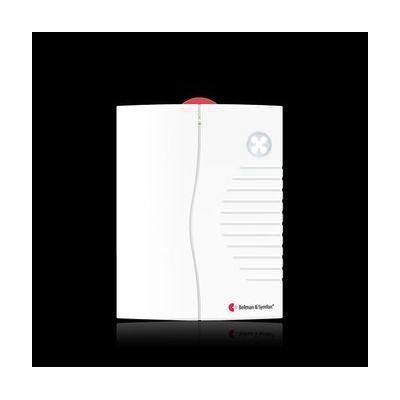
Bellman Flash Receiver
$249.95
-
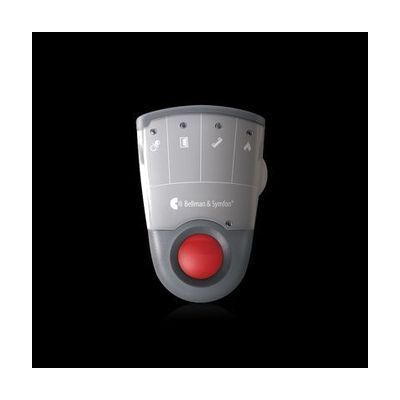
Bellman Pager Receiver
$239.95
-
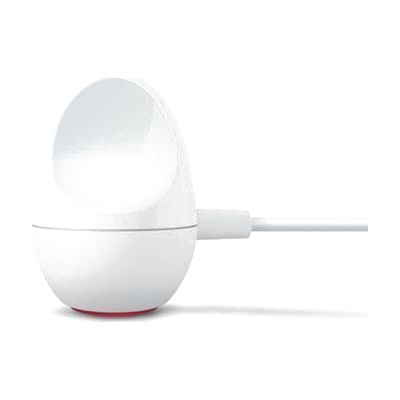
Bellman Mobile Phone Sensor
$39.95
Sources & fine print
Vendor facts (name, price, platforms, vendor link) sourced from LS&S — view on vendor site (opens in a new tab); last checked November 16, 2026.
Classification & description AI-generated from vendor-published content on October 1, 2026 · confidence: high. Vendor specs may lag; verify before relying on details in a clinical or funding artifact.