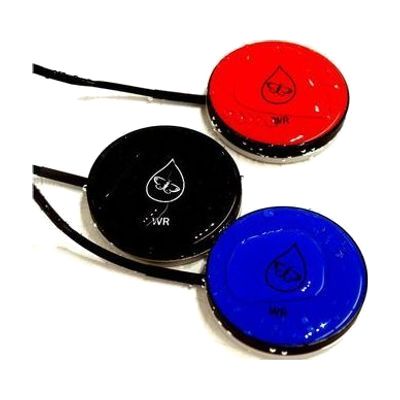
Piko Buttons
by AbleNet
Est. $20–$60, see price history
Typical price range, not a vendor quote. Confirm it with the vendor before buying.
What it is
Summary
AI-generated from vendor-published content · October 1, 2026
Piko Buttons are small, waterproof button switches that send a press to another device, such as a communication aid or a switch-adapted toy. They come in 30mm and 50mm sizes, so you can pick a smaller target for precise pressing or a larger one that is easier to hit. Each press gives tactile and audible feedback, so the person can tell they activated it. They are built for frequent use and for wet or damp settings. A switch does nothing alone: it needs a device with a 3.5mm mono switch input to plug into.
Getting it
Try before you buy
Devices like this are often available to borrow through your state's AT Act program — typically free or low-cost — so you can try it before buying or pursuing funding.
Where to get it
This is the vendor WhatCanHelp tracks for this product — it may also be available from other retailers or a local supplier, and prices vary.
How to fund this
These are common places to ask about paying for equipment like this. Each one decides its own eligibility and what it covers, so start by asking them.
Details
Quick Facts Catalog facts · auto-generated
- Addresses
- Platform
- Age range
- Complexity
- Professional guidance helps
- Price
- Est. $20–$60
- Funding
- AT Act lending
- Medicaid waiver
- Out of pocket
- School district
- Vocational rehab
What setup looks like
- Out of the box
Plug the switch's 3.5mm cable into the switch input on your device. Press the button to check that the device responds. - With a guide
- Place the switch where the person can press it reliably, then try the 30mm and 50mm sizes to see which fits their reach and control. Expect about 15-30 minutes to find a comfortable spot.
- Check that the device's switch settings (such as scanning or activation mode) are set up to match how the person will use the button. See manufacturer support resources for detailed instructions.
- With professional help
An OT, SLP, or ATP can help choose the switch size, find the best body position and placement, and match it to the person's device and goals. Plan on one assessment or trial session of about an hour.
Compare & explore
Alternatives
-
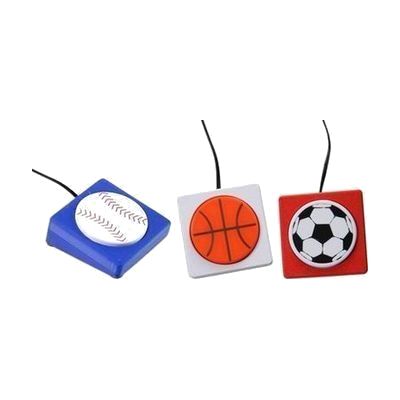
Sports Switches
$34.95
More switches & buttons
-
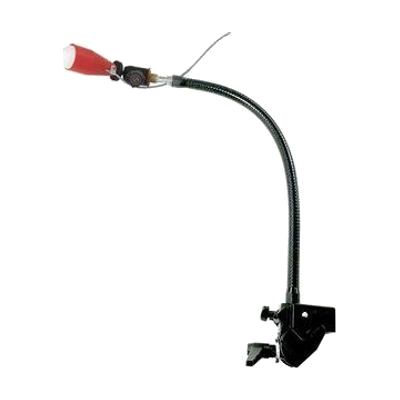
Ping Pong Switch
Est. $35–$75
-
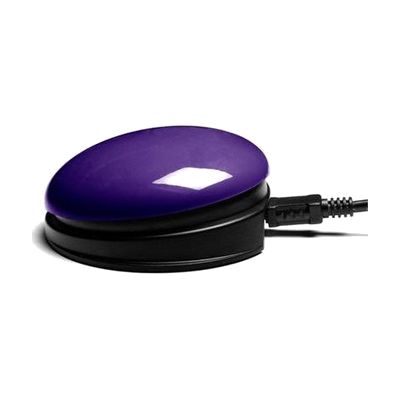
Plug and Play USB Switch
Est. $60–$130
-
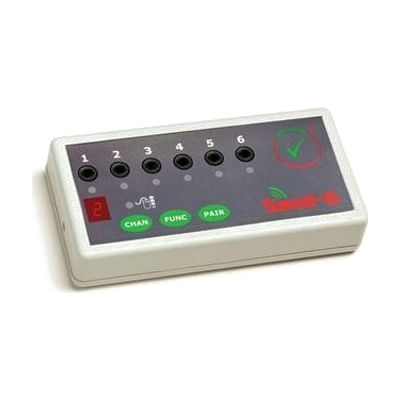
SEND-6
Est. $150–$350
-
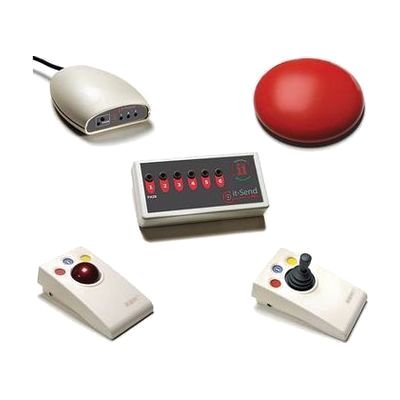
SimplyWorks Access Pack
Est. $350–$700
-
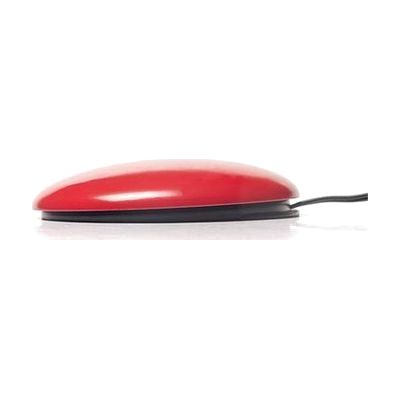
Smoothie Switch
$59.00
-
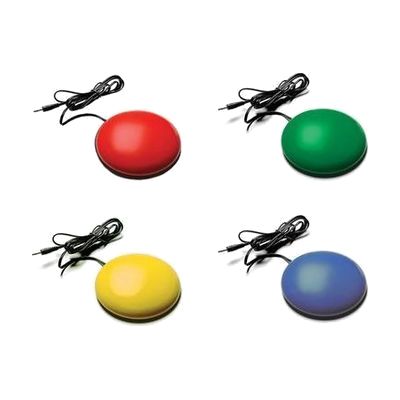
Smoothie Switch Pack
Est. $60–$120
Sources & fine print
Vendor facts (name, price, platforms, vendor link) sourced from Inclusive Technology — view on vendor site (opens in a new tab); last checked November 26, 2026.
Classification & description AI-generated from vendor-published content on October 1, 2026 · confidence: high. Vendor specs may lag; verify before relying on details in a clinical or funding artifact.