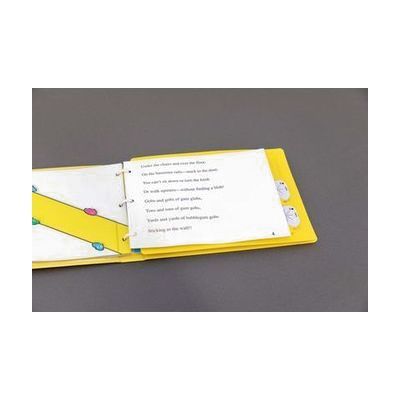
On the Way to Literacy, APH Sound Page
by American Printing House for the Blind
Price is what the vendor listed when last checked. Confirm it with the vendor before buying.
Accessory or replacement part Made to go with another product — check it fits what you have.
What it is
Summary
AI-generated from vendor-published content · October 1, 2026
The Sound Page is a binder page that lets a child record short sounds or brief messages and play them back as part of an On the Way to Literacy storybook. It has slots for up to three eight-second digital recording and playback devices, and two come with it. A child can add a sound effect to a story, or a grown-up can record a short line to go with a page. It clips into the 3-ring binder of any OWTL storybook and measures 12.25 by 8.25 inches. This is an add-on to the OWTL storybook series, not a stand-alone product, and a third recording device is sold separately.
Getting it
Where to get it
This is the vendor WhatCanHelp tracks for this product — it may also be available from other retailers or a local supplier, and prices vary.
How to fund this
These are common places to ask about paying for equipment like this. Each one decides its own eligibility and what it covers, so start by asking them.
Details
Quick Facts Catalog facts · auto-generated
- Addresses
- Platform
- Age range
- Complexity
- Setup with instructions
- Price
- $73.08
- Funding
- Out of pocket
- School district
What setup looks like
- Out of the box
Open the User's Guide and look over its ideas for using the page during story reading. - With a guide
- Clip the Sound Page into the 3-ring binder of an OWTL storybook.
- Place the two included recording devices in their slots, then record a short sound or message on each (eight seconds or less) and play it back to check it.
- Plan on about 15-30 minutes to get comfortable with recording and with fitting it into story time.
Compare & explore
More learning materials
-
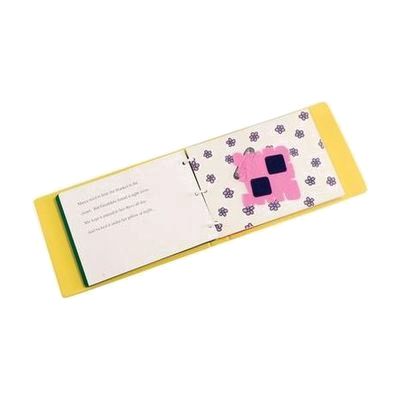
-
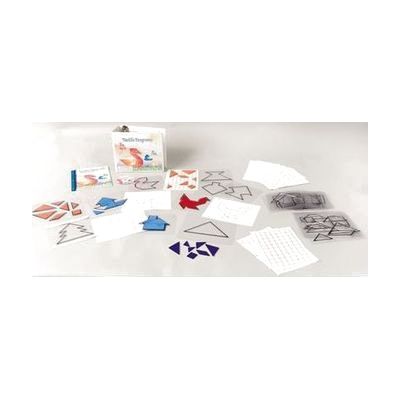
Tactile Tangrams Kit
$239.34
-
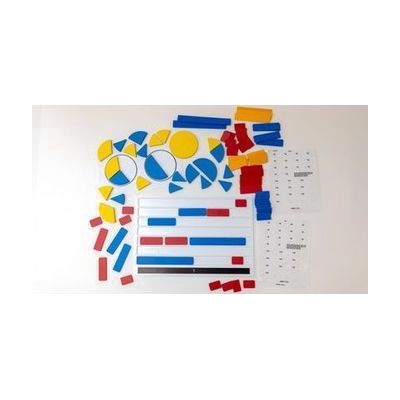
MathBuilders: Fractions
$275.00
-
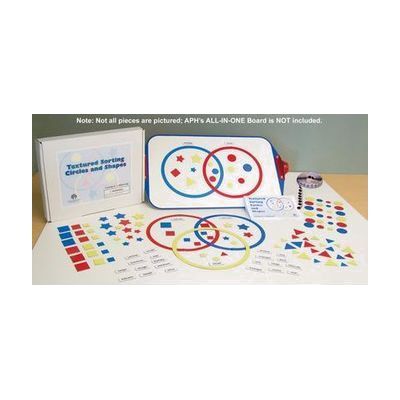
-
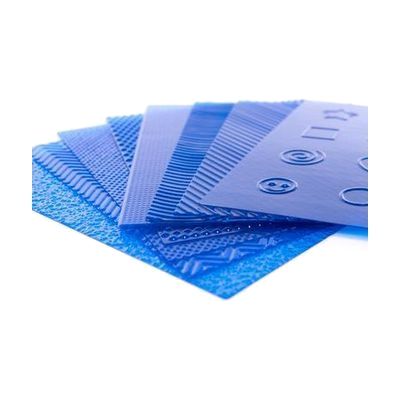
Color-by-Texture Marking Mats
$167.68
-
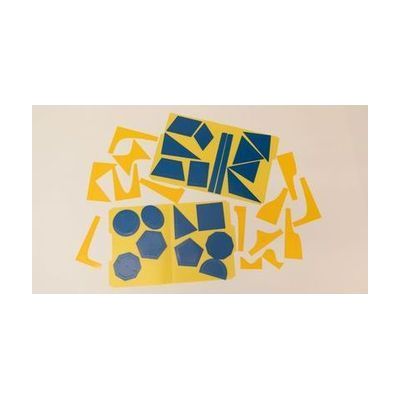
Geometric Drawing Stencils
$159.00
Sources & fine print
Vendor facts (name, price, platforms, vendor link) sourced from American Printing House for the Blind — view on vendor site (opens in a new tab); last checked November 23, 2026.
Classification & description AI-generated from vendor-published content on October 1, 2026 · confidence: high. Vendor specs may lag; verify before relying on details in a clinical or funding artifact.