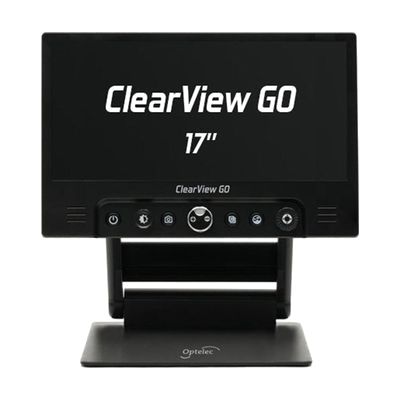
ClearView GO
by Optelec
Price is what the vendor listed when last checked. Confirm it with the vendor before buying.
What it is
Summary
AI-generated from vendor-published content · November 18, 2026
The ClearView GO is a desktop video magnifier that folds flat, so you can carry it between home, school, and work or put it away when you're done. It shows text and objects on a full HD screen that adjusts in height. A rotatable camera works three ways: close up for reading, at a distance, and facing you like a mirror. A USB-C connection lets you plug in other devices and view their image on the same screen. It comes in 15 inch and 17 inch screen sizes, and the 15 inch model weighs about 10 pounds. That makes it portable, but not light enough to carry around casually. If you want a magnifier you can slip in a pocket, a handheld unit is a better fit.
Getting it
Try before you buy
Devices like this are often available to borrow through your state's AT Act program — typically free or low-cost — so you can try it before buying or pursuing funding.
Where to get it
This is the vendor WhatCanHelp tracks for this product — it may also be available from other retailers or a local supplier, and prices vary.
How to fund this
These are common places to ask about paying for equipment like this. Each one decides its own eligibility and what it covers, so start by asking them.
Details
Quick Facts Catalog facts · auto-generated
- Addresses
- Platform
- Age range
- Complexity
- Setup with instructions
- Price
- $3,748.50
- Funding
- AT Act lending
- Out of pocket
- School district
- Vocational rehab
What setup looks like
- Out of the box
- Unfold the screen, plug it into power, and point the camera at what you want to read.
- Adjust the screen height and magnification to what is comfortable for you.
- With a guide
- Rotate the camera between reading, distance, and self-view positions.
- To view another device on the screen, connect it with a USB-C cable. Expect about 30 minutes to learn the controls.
Compare & explore
More magnification tools
-
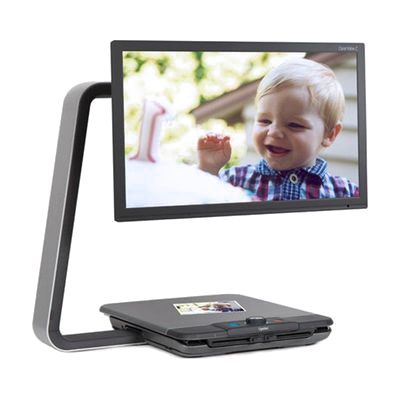
ClearView C One
$3,825.25
-
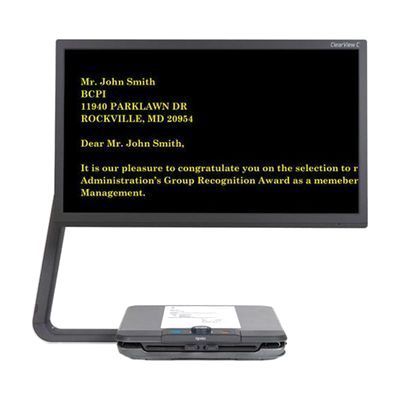
ClearView C HD
$4,328.15
-
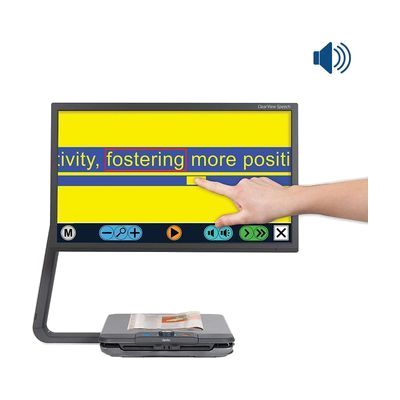
ClearView C Speech
$4,998.00
-
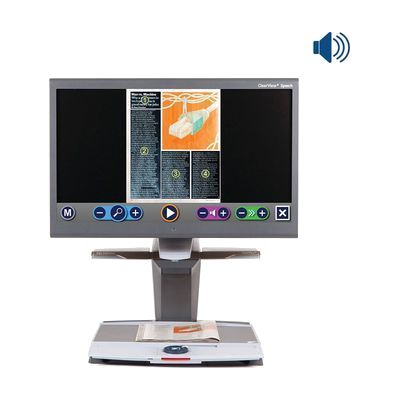
ClearView+ Speech
$4,872.00
-
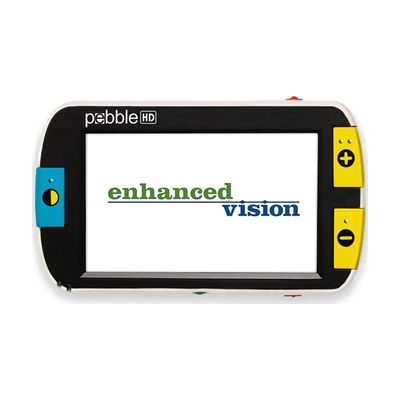
Pebble HD
$702.00
-
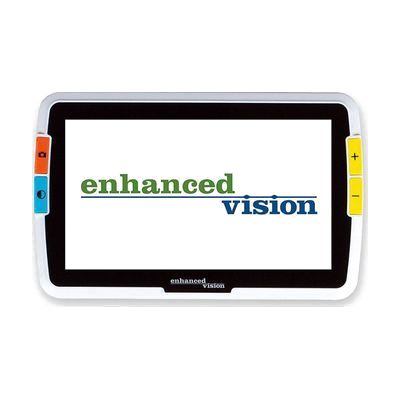
Amigo
$1,470.00
Sources & fine print
Vendor facts (name, price, platforms, vendor link) sourced from Freedom Scientific — view on vendor site (opens in a new tab); last checked November 26, 2026.
Classification & description AI-generated from vendor-published content on November 18, 2026 · confidence: high. Vendor specs may lag; verify before relying on details in a clinical or funding artifact.