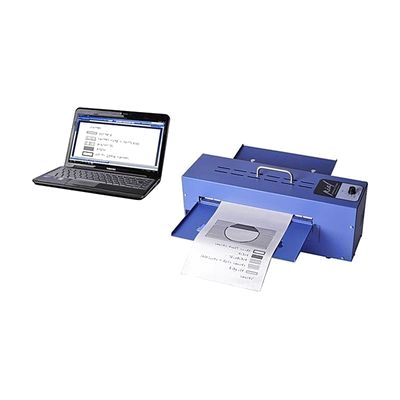
PIAF tactile embosser
by HumanWare
Price is what the vendor listed when last checked. Confirm it with the vendor before buying.
What it is
Summary
AI-generated from vendor-published content · November 21, 2026
The PIAF turns a black-and-white drawing, printout or photocopy into a raised tactile graphic. You draw or print on special heat-sensitive capsule paper, then feed the sheet through, and any black lines, letters or shapes come out raised in seconds. It handles paper up to A3 (11x17 inches) and beeps when it's ready for the next sheet. It's a good fit for teachers, braille transcribers and families who need maps, math diagrams, charts or other images a blind or low-vision reader can feel. You'll need a supply of capsule paper to use it, and the quality of the result depends on how clear and dark the original image is.
Getting it
Try before you buy
Devices like this are often available to borrow through your state's AT Act program — typically free or low-cost — so you can try it before buying or pursuing funding.
Where to get it
This is the vendor WhatCanHelp tracks for this product — it may also be available from other retailers or a local supplier, and prices vary.
How to fund this
These are common places to ask about paying for equipment like this. Each one decides its own eligibility and what it covers, so start by asking them.
Details
Quick Facts Catalog facts · auto-generated
- Addresses
- Platform
- Age range
- Complexity
- Setup with instructions
- Price
- $1,799.00
- Funding
- AT Act lending
- Out of pocket
- School district
- Vocational rehab
What setup looks like
- Out of the box
- Plug in the machine and fold down the paper trays.
- Draw, print or photocopy your image in black onto capsule paper.
- Feed the sheet through and wait for the beep before inserting the next one.
- With a guide
Test a few sheets with different darkness levels, line widths and image types to find what feels clearest, usually about 30 minutes of trial and error.
Compare & explore
More learning materials
-

Boardmaker 7 Student Center
Est. $99–$499
-

Accessible Literacy Learning (ALL)
Est. $149–$499
-
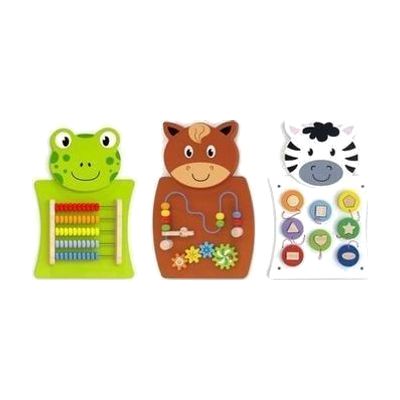
Activity Wall Panels
$72.95
-
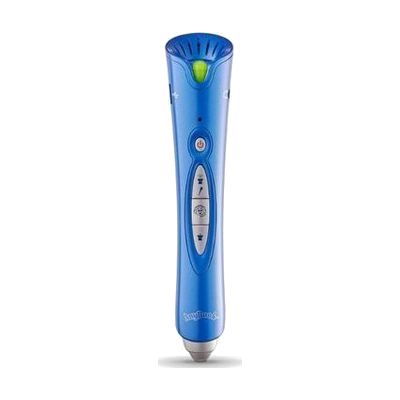
Anybook Audio Pen AAC Device
$93.50
-
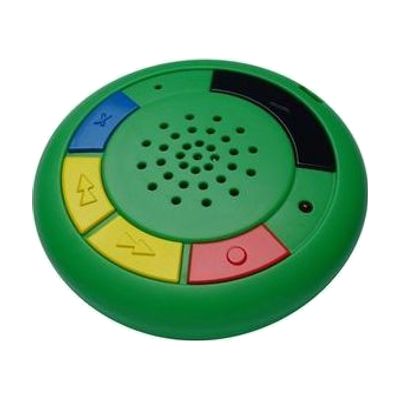
Multi-Memo Voice Recorder
Est. $25–$60
-
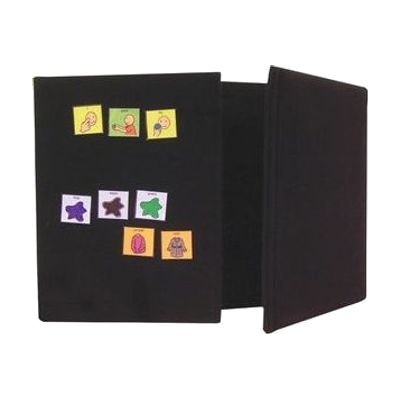
Portable Choice/Display Board
Est. $30–$80
Sources & fine print
Vendor facts (name, price, platforms, vendor link) sourced from HumanWare — view on vendor site (opens in a new tab); last checked November 23, 2026.
Classification & description AI-generated from vendor-published content on November 21, 2026 · confidence: medium. Vendor specs may lag; verify before relying on details in a clinical or funding artifact.