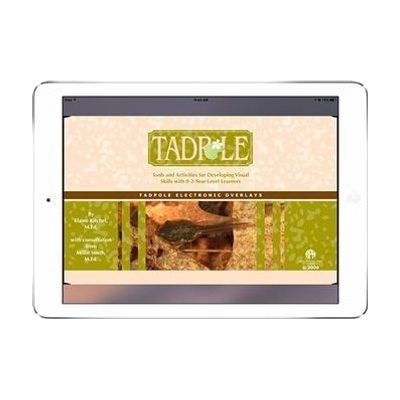
TADPOLE: Interactive Images eBook
by American Printing House for the Blind
Contact vendor for pricing
What it is
Summary
AI-generated from vendor-published content · October 1, 2026
TADPOLE: Interactive Images is an eBook of tablet-based visual activities that teachers can use to check and build a child's visual skills. The activities center on everyday play and daily-life scenes, and they cover things like figure-ground discrimination (picking an object out of a busy background), visual attention and memory, eye-hand coordination, object recognition, visual sequencing, and simple cause and effect. It also supports size and shape identification and color and shape matching. It's built for tablets and meant to replace the earlier TADPOLE set, and the iBook is a free download from the App Store.
Getting it
Many states lend devices like this for trial periods, free or at low cost — find your state's AT lending program.
Where to get it
These are the vendors WhatCanHelp tracks for this product — it may also be available from other retailers or a local supplier, and prices vary.
How to fund this
These are common places to ask about paying for equipment like this. Each one decides its own eligibility and what it covers, so start by asking them.
Details
Quick Facts Catalog facts · auto-generated
What setup looks like
- Out of the box
Download the iBook from the App Store and open it on your tablet. - With a guide
- Browse the activities and pick ones that match the visual skill you want to look at, such as color matching or visual attention.
- Try each activity yourself first so you know how the images respond to touch. Plan about 20-30 minutes.
- With professional help
A teacher of students with visual impairments (TVI) or similar vision professional can choose activities that fit the child, run them as an assessment, and track progress over time.
Compare & explore
Sources & fine print
Vendor facts (name, price, platforms, vendor link) sourced from American Printing House for the Blind — view on vendor site (opens in a new tab); last checked November 1, 2026.
Classification & description AI-generated from vendor-published content on October 1, 2026 · confidence: high. Vendor specs may lag; verify before relying on details in a clinical or funding artifact.