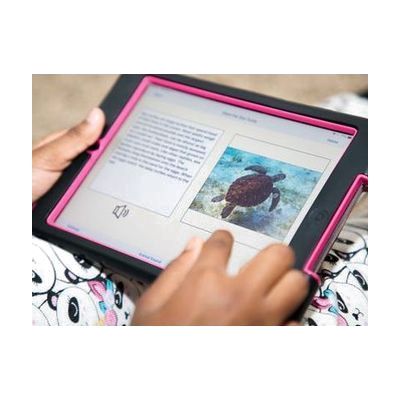
AnimalWatch VI Building Graphics Literacy (for iPad)
by American Printing House for the Blind
Contact vendor for pricing
What it is
Summary
AI-generated from vendor-published content · November 15, 2026
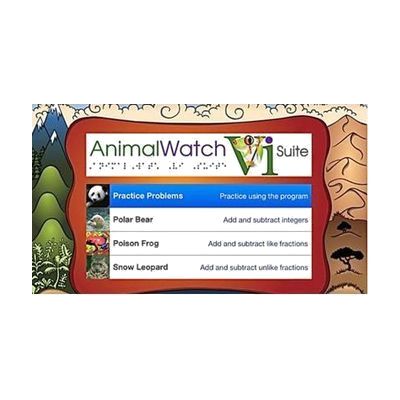
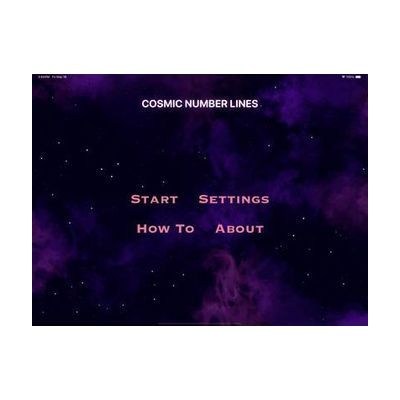
AnimalWatch VI is a free iPad app that teaches students who are blind or have low vision how to read graphs and other graphics. It has ten units, each with warm-up problems and two problem sets. They cover bar graphs, line graphs, circle graphs, Venn diagrams, coordinate planes, box plots, maps, and data tables. The graphs are tied to stories about endangered animals such as the Tasmanian devil, platypus, and dinosaur ant. It is meant for students at a 5th to 8th grade math level, and the review units give them a low-pressure way to practice on their own. The app alone isn't enough: students who are blind or visually impaired also need the separate tactile materials, bought from the Lighthouse San Francisco Adaptations Store, to finish the ten units.
Getting it
Try before you buy
Devices like this are often available to borrow through your state's AT Act program — typically free or low-cost — so you can try it before buying or pursuing funding.
Where to get it
This is the vendor WhatCanHelp tracks for this product — it may also be available from other retailers or a local supplier, and prices vary.
How to fund this
These are common places to ask about paying for equipment like this. Each one decides its own eligibility and what it covers, so start by asking them.
Details
Quick Facts Catalog facts · auto-generated
- Addresses
- Platform
- Age range
- Complexity
- Setup with instructions
- Price
- Funding
- AT Act lending
- Out of pocket
- School district
What setup looks like
- With a guide
- Download the free app from the App Store onto the student's iPad.
- Order the matching tactile materials from the Lighthouse San Francisco Adaptations Store and have them on hand before starting the units.
- Work through the first unit together so you can see how the app and the tactile graphics go side by side. Plan on about 30 minutes.
Compare & explore
More accessible software


Sources & fine print
Vendor facts (name, price, platforms, vendor link) sourced from American Printing House for the Blind — view on vendor site (opens in a new tab); last checked November 23, 2026.
Classification & description AI-generated from vendor-published content on November 15, 2026 · confidence: high. Vendor specs may lag; verify before relying on details in a clinical or funding artifact.