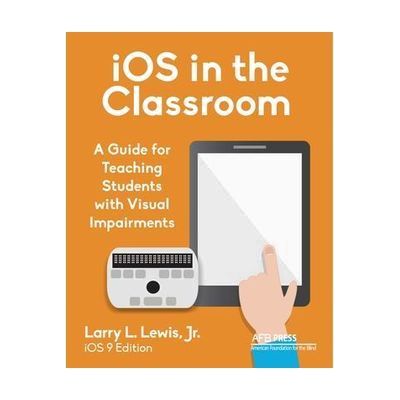
iOS in the Classroom: A Guide for Teaching Students with Visual Impairments
by American Printing House for the Blind
Last verified June 15, 2026 · classified May 23, 2026
What it is
Summary
AI-generated from vendor-published content · May 23, 2026
A printed, full-color instructional guide for teachers and educators covering how to use the iPad and its built-in accessibility features with students who have visual impairments. It walks through iOS gestures, VoiceOver, and related tools in a step-by-step, illustrated format — aimed at TVIs (teachers of the visually impaired) and classroom staff who need structured guidance for integrating iOS into their instruction. This is a professional reference and teaching resource, not software or hardware — it doesn't do anything on its own, but gives educators a concrete framework for building iPad-based AT skills with their students. Worth noting: it was written for iOS 9, which means some interface details and menu structures will be outdated on current iPads, so users should expect to cross-reference with current Apple accessibility documentation for anything version-specific.
Quick Facts Catalog facts · auto-generated
- AT Act lending
- Out of pocket
- School district
- Vocational rehab
What Setup Looks Like
- Out of the box
- Open the book (physical or EPUB) and reference the chapter relevant to the skill or feature you're teaching.
- An EPUB reader is required to view the digital version — free options are available from the publisher.
Getting it
Try Before You Buy
Devices like this are often available to borrow through your state's AT Act program — typically free or low-cost — so you can try it before buying or pursuing funding.
Where to Get It
Some links may be affiliate links — WhatCanHelp may earn a small commission from purchases at no extra cost to you. More on affiliates →
How to Fund This
Equipment like this is often pursued through official state programs. These are common starting points — each program decides its own eligibility and what it covers, so the first step is always a phone call.
Compare & explore
Sources & fine print
Vendor facts (name, price, platforms, vendor link) sourced from American Printing House for the Blind — view on vendor site; last verified June 15, 2026.
Classification & description AI-generated from vendor-published content on May 23, 2026 · confidence: high. Vendor specs may lag; verify before relying on details in a clinical or funding artifact.