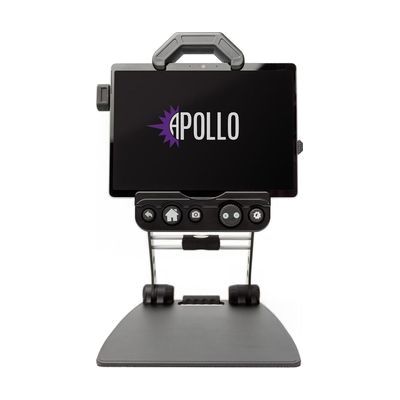
Apollo
by American Printing House for the Blind
Price is what the vendor listed when last checked. Confirm it with the vendor before buying.
What it is
Summary
AI-generated from vendor-published content · November 18, 2026
Apollo is a portable video magnifier for students with low vision. It is built around a Microsoft Surface tablet, so one device handles both magnification and full Windows computing. Adjustable cameras let a student view the board at a distance, read printed pages, or do handwriting and other close-up work. Articulated camera arms and built-in lighting support use in different classroom setups. The magnification software has no subscription fee. Because the same Windows device runs educational apps, websites, and documents, a student doesn't need to switch between a separate magnifier and a computer. The Snapdragon processor is meant to run the cameras, lights, and computer for a full school day on a charge. Because it is a Windows computer, getting it ready for a student's school accounts and software is worth planning with the school.
Getting it
Try before you buy
Devices like this are often available to borrow through your state's AT Act program — typically free or low-cost — so you can try it before buying or pursuing funding.
Where to get it
This is the vendor WhatCanHelp tracks for this product — it may also be available from other retailers or a local supplier, and prices vary.
How to fund this
These are common places to ask about paying for equipment like this. Each one decides its own eligibility and what it covers, so start by asking them.
Details
Quick Facts Catalog facts · auto-generated
- Addresses
- Platform
- Age range
- Complexity
- Professional guidance helps
- Price
- $4,999.00
- Funding
- AT Act lending
- Out of pocket
- School district
- Vocational rehab
What setup looks like
- Out of the box
Charge the device and power it on to start the magnification software. - With a guide
- Position the camera arms for each task: distance viewing, reading, or handwriting.
- Set up school accounts, apps, and websites as on any Windows computer, then try the magnification settings. Plan on an hour or two.
- With professional help
- A teacher of students with visual impairments (TVI) or low vision specialist matches magnification, contrast, and camera setup to the student's needs.
- Expect an initial session plus follow-up as the student learns it in class.
Compare & explore
More magnification tools
-
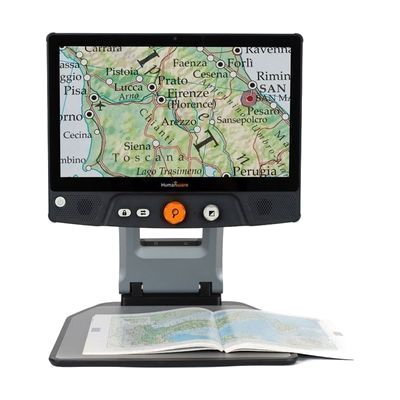
Reveal 16i – Smart desktop magnifier
Est. $2,500–$3,500
-
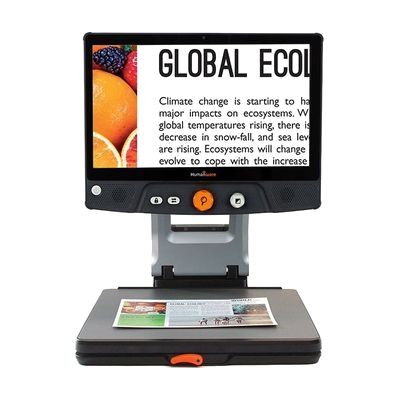
Reveal 16i – Smart desktop magnifier with XY table
Est. $2,800–$4,200
-
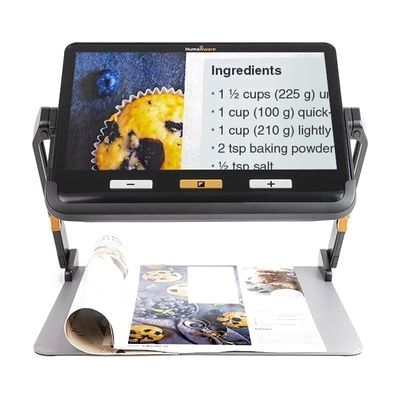
explorē 12 – Portable video magnifier
$1,669.00
-
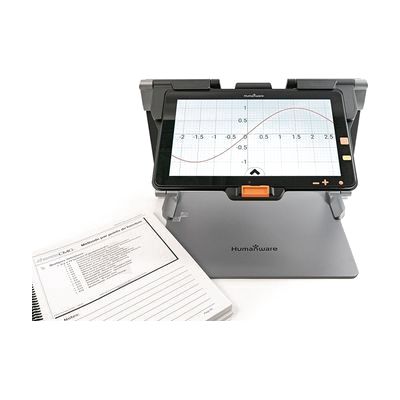
Connect 12 – Smart portable HD magnifier
$1,995.00
-
-
Sources & fine print
Vendor facts (name, price, platforms, vendor link) sourced from American Printing House for the Blind — view on vendor site (opens in a new tab); last checked November 24, 2026.
Classification & description AI-generated from vendor-published content on November 18, 2026 · confidence: high. Vendor specs may lag; verify before relying on details in a clinical or funding artifact.