
Platon Talking Scientific Calculator
by LS&S
Price is what the vendor listed when last checked. Confirm it with the vendor before buying.
What it is
Summary
AI-generated from vendor-published content · October 1, 2026
The Platon is a handheld scientific calculator that speaks each key as you press it and reads out every result, so you can do math without reading the screen. It covers trig, logarithms, statistics, and financial functions, plus metric conversions and a talking help mode. The buttons are extra large with high-contrast markings, and the display shows 10 big digits. A headphone jack lets you listen privately, and the voice has six volume levels. It comes with a protective case, but you'll need to supply 2 AAA batteries.
Getting it
Try before you buy
Devices like this are often available to borrow through your state's AT Act program — typically free or low-cost — so you can try it before buying or pursuing funding.
Where to get it
These are the vendors WhatCanHelp tracks for this product — it may also be available from other retailers or a local supplier, and prices vary.
How to fund this
These are common places to ask about paying for equipment like this. Each one decides its own eligibility and what it covers, so start by asking them.
Details
Quick Facts Catalog facts · auto-generated
- Type
- Addresses
- Platform
- Age range
- Complexity
- Ready to use
- Price
- $374.00
- Funding
- AT Act lending
- Out of pocket
- School district
- Vocational rehab
What setup looks like
- Out of the box
- Put in 2 AAA batteries (not included) and turn the calculator on.
- Press any key to hear it announced, then enter a calculation and listen as the result is read aloud.
- Use the talking help mode to learn what each key does, and plug in headphones if you want private listening.
Compare & explore
More low vision aids
-
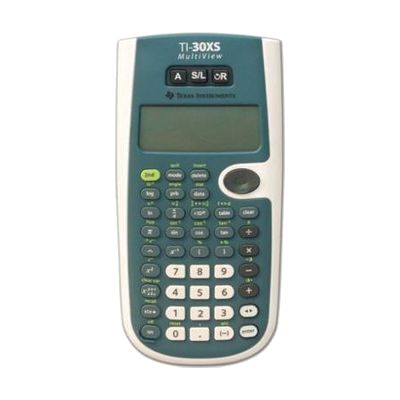
-

8 Digit Talking Calculator
$15.95
-
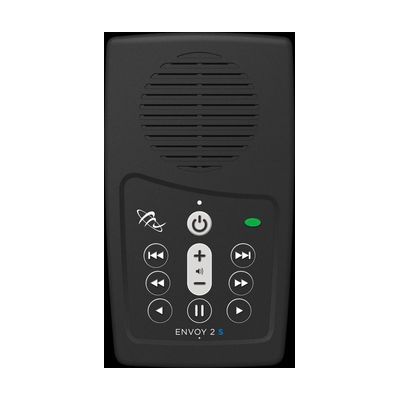
Megavoice Talking Bible
$64.95
-
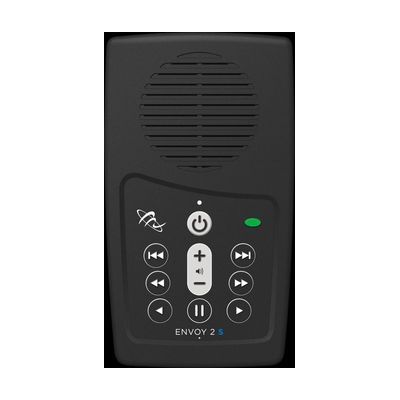
-

Accessible Power Bank
$74.95
-
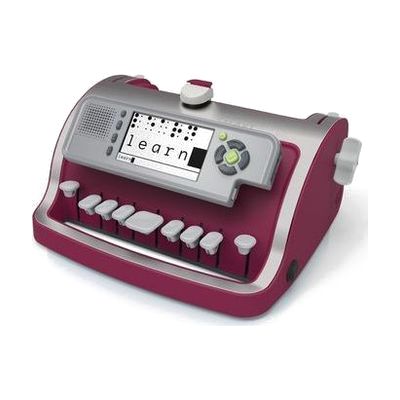
Perkins SMART Brailler
$2,195.00
Sources & fine print
Vendor facts (name, price, platforms, vendor link) sourced from LS&S — view on vendor site (opens in a new tab); last checked November 24, 2026.
Classification & description AI-generated from vendor-published content on October 1, 2026 · confidence: high. Vendor specs may lag; verify before relying on details in a clinical or funding artifact.