Flip-Over FACES App
by American Printing House for the Blind
Contact vendor for pricing
What it is
Summary
AI-generated from vendor-published content · November 15, 2026
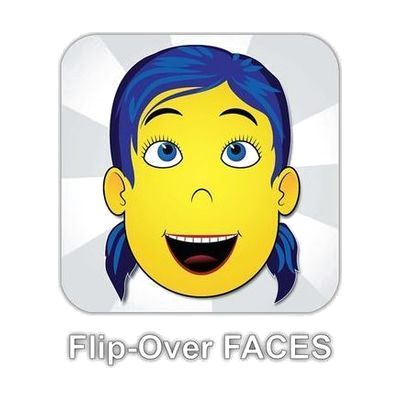
Flip-Over FACES is a free app where a child builds a face and sees how it changes. Changing the eyebrows, eye direction, and mouth makes hundreds of different expressions. You can add hairstyles and eyewear for more fun or more visual detail, and lock the hair or eyewear in place while you change the rest. It's made for students with low vision who are at about a 5-year-old cognitive level or above, and it reads each face feature aloud with VoiceOver when swiped. Students with autism or language delays may also enjoy it, and sighted kids and adults can use it too. It runs on iPad, iPhone, and Apple Watch, with an Android version available.
Getting it
Many states lend devices like this for trial periods, free or at low cost — find your state's AT lending program.
Where to get it
This is the vendor WhatCanHelp tracks for this product — it may also be available from other retailers or a local supplier, and prices vary.
How to fund this
These are common places to ask about paying for equipment like this. Each one decides its own eligibility and what it covers, so start by asking them.
Details
Quick Facts Catalog facts · auto-generated
What setup looks like
- Out of the box
- Download the free app from the App Store (or Google Play for Android), open it, and start changing the face features right away.
- Swipe on a feature to hear it spoken aloud, and use the lock options to hold the hair or eyewear in place while you change the expression.
Compare & explore
More accessible software




Sources & fine print
Vendor facts (name, price, platforms, vendor link) sourced from American Printing House for the Blind — view on vendor site (opens in a new tab); last checked November 23, 2026.
Classification & description AI-generated from vendor-published content on November 15, 2026 · confidence: high. Vendor specs may lag; verify before relying on details in a clinical or funding artifact.