Browse Assistive Technology
Products
-
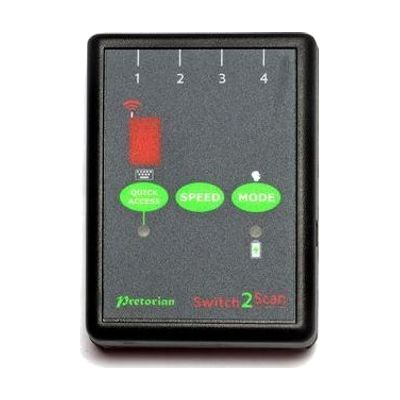
Switch2Scan for iPad
Est. $150–$350
Switch2Scan is a small Bluetooth switch interface that lets someone control an iPad using one or more wired switches instead of touching the screen. It scans through items on screen, either automatically or one step at a time by hand, so it works for apps, turning pages in iBooks, and typing on the on-screen keyboard. You can plug in up to four wired switches, pick from four scanning speeds, and scan forward or backward. This is the interface only, so you'll need your own switch or switches, and the listed compatibility covers older iPad, iPod and iPhone models.
Verified 4 days agoProfessional guidance helps -
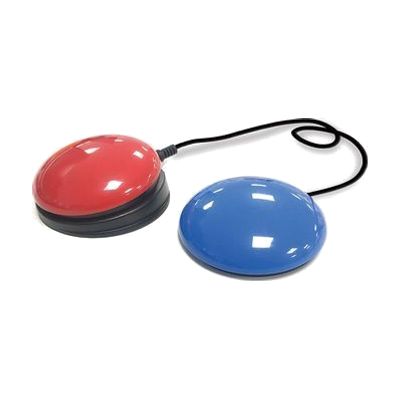
Inclusive iSwitch Bundle
Est. $120–$250
This bundle pairs a Bluetooth switch interface (the iSwitch) with a Smoothie Switch, so someone can control an iPad, tablet, laptop, or compatible software by pressing a switch instead of using a touchscreen, keyboard, or mouse. The iSwitch connects wirelessly, and no extra software is needed. It's a good fit for a person who can press a switch reliably but can't use standard controls, including for communication apps and cause-and-effect or learning activities. Getting real use out of it takes more than pairing: the switch type, where it's placed, and how the device's switch settings are tuned all affect whether it works well for that person.
Verified 4 days agoProfessional guidance helps -
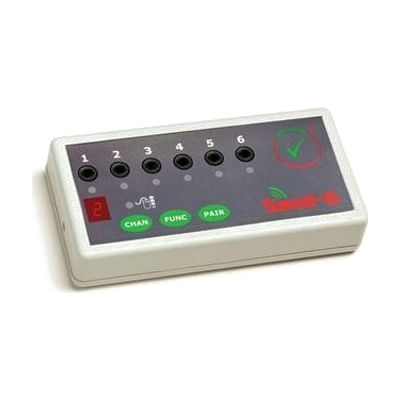
SEND-6
Est. $150–$350
The SEND-6 is a wireless switch interface. You plug up to six wired switches into it, and it sends their signals to a Windows PC or Mac without a cable running to the computer. That helps if someone's wheelchair puts them away from the screen, or if they can't sit close to the computer. Each switch can be set separately to one of 24 functions, including switch accessible software, game pad, mouse and keyboard actions. It needs no software or drivers, so setup is mostly about choosing which switch does what. It's one piece of a switch system: you need your own switches, the it-Receive receiver that plugs into the computer, and 2 AAA batteries.
Verified 4 days agoProfessional guidance helps -
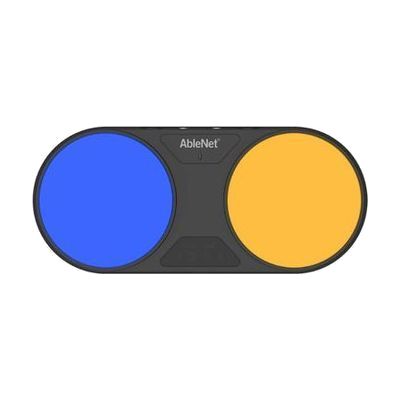
Blue2BlueTooth Switch
$260.00
The Blue2 is a Bluetooth switch that lets someone control a tablet or computer with a press instead of a touchscreen, mouse, or keyboard. It works with one switch or two, and connects wirelessly to iOS devices, Macs, Windows, and Android devices that have Bluetooth. The pressing surface takes about 40 percent less force than the earlier version, which helps someone with limited strength or range of motion. It has several operating modes so it can work with different apps, and it runs on a rechargeable battery. It only does something when paired with switch-accessible apps or software, so plan for that before buying.
Verified 2 days agoProfessional guidance helps -

Bluetooth Super Switch
$209.00
The Bluetooth Super Switch is a wireless switch with a 5-inch round surface, so it gives a big, easy-to-hit target for someone who can't press a small button. It connects over Bluetooth to an iPad or a computer, which means no cable running to the device. It also has a built-in switch interface, so you can plug in a second switch if you want another way to activate it. A switch like this does nothing alone. It needs a device and the right access settings to be useful, and those are worth sorting out with someone who knows switch access.
Verified 3 weeks agoProfessional guidance helps -
Blue2 FT
$260.00
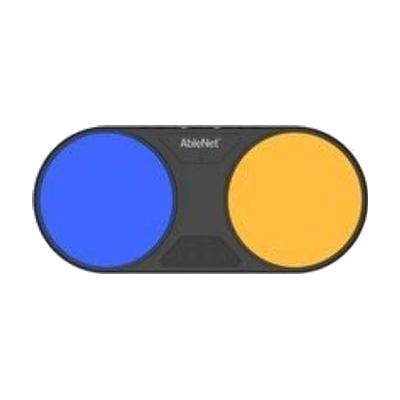
The Blue2 FT is a wireless Bluetooth switch that activates when you touch it or bring a hand close to it, so no hard press is needed. It gives sound and light feedback when it triggers. It can control an iPad or iPhone through Switch Control, and it also works with Windows, Mac, and Chromebook software that responds to keyboard keys like space, enter, or 1 through 4. It has two jacks for plugging in extra switches, such as a Jelly Bean or Big Red, and the built-in sensors turn off automatically when an external switch is connected. It has a rechargeable battery and threaded inserts for mounting. Setting up the right access method, position, and software takes some trial and error, so this is best chosen with someone who knows switch access.
Verified 4 days agoProfessional guidance helps -
ToFFEE Bluetooth Switch
Est. $150–$400
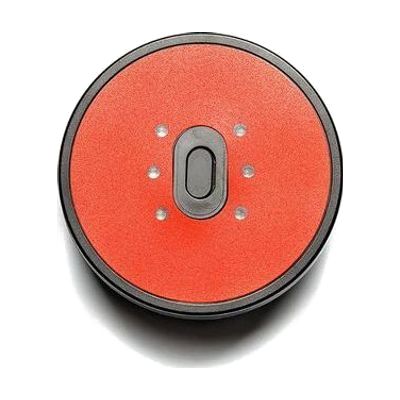
The ToFFEE Bluetooth Switch is a contact-free switch that detects when something comes near it, so no press or touch is needed. It connects over Bluetooth, and you can choose how far away it senses and how it sends its output. It's for someone who can't use a regular button but can move a hand or head toward a sensor.
Verified 4 days agoProfessional guidance helps -
Solo Touch Switch
Est. $60–$150
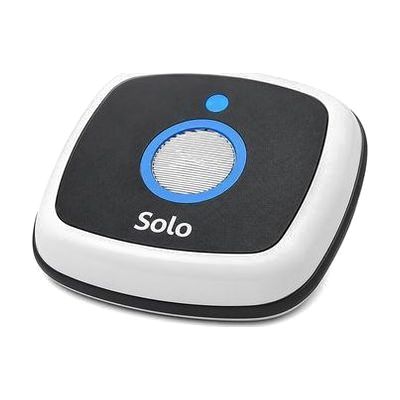
The Solo Touch Switch is a Bluetooth switch that responds to very light pressure, so a person with limited hand movement can still trigger it. Pressing it sends a command to a device it's paired with, which lets someone control that device without needing to grip, push hard, or move precisely. A switch like this does nothing alone: you'll need a Bluetooth-compatible device or app that accepts switch input, and you'll have to pair them. Because touch sensitivity, placement, and the device it controls all affect how well it works, an OT or ATP can help you choose the right setup.
Verified 1 week agoProfessional guidance helps -

Switches - Specs - Blue
$75.00
The Specs switch is the smallest in AbleNet's switch family, only about 1 3/8 inches across, and it comes in blue. It gives an audible click when pressed and responds across its whole surface, so a person can activate it with a light touch from nearly anywhere on the top. It comes with three detachable bases, so it can be set up in different ways, and it connects with a 6-foot cord and a 3.5mm plug. This is just the switch. It does nothing until it's plugged into a switch-accessible device, toy, communication aid, or switch interface, and a therapist can help match its small size to the right body part and position.
Verified 2 days agoProfessional guidance helps -
iSwitch
Est. $150–$400
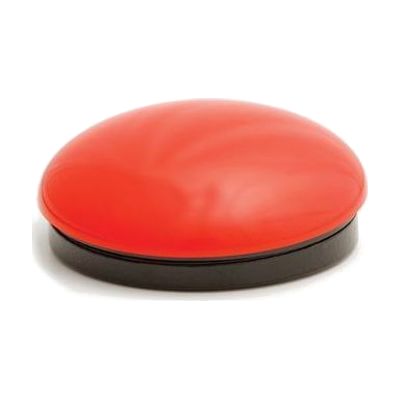
The iSwitch is a compact, 75mm Bluetooth switch that lets someone control a tablet, phone, or computer with a single press instead of a touchscreen, mouse, or keyboard. It can send left, right, and double mouse clicks, plus 24 pre-programmed modes that cover common keystrokes like space and enter for switch-accessible apps and games. It also has media controls for play/pause, skip, and volume, and timed play options of 10 or 30 seconds for reward-based activities. Two ports on the unit accept extra switches, so you can build a setup with more than one input. Because it is one piece of a larger access setup, a therapist can help choose the right mode, switch placement, and device settings.
Verified 4 days agoProfessional guidance helps -
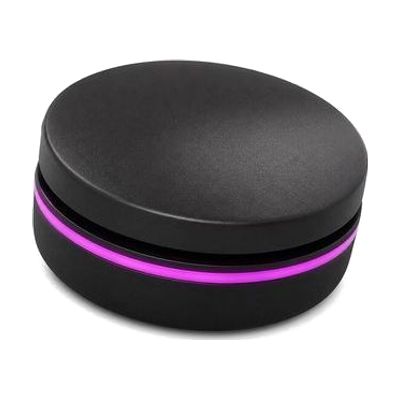
Solo Button
Est. $60–$130
The Solo Button is a small Bluetooth switch that lets someone press one button to control a tablet, computer, or communication aid. It gives feedback you can feel, hear, and see when it's pressed, which helps the user know their press registered. This is the switch only. You'll need a compatible device with switch access set up, and the right placement and software settings make a big difference in how well it works.
Verified 1 week agoProfessional guidance helps -
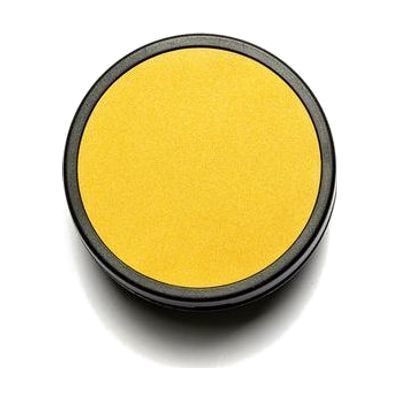
iSwitch50
Est. $100–$250
The iSwitch50 is a 50 mm Bluetooth switch that lets someone operate a tablet, phone, or AAC (communication) device with a single press instead of using a touchscreen. It works with iOS and Android devices, and it offers 24 programmable functions, so the press can be set up to do different jobs depending on the person and the app. It's a good fit for someone who can't reliably touch a screen but can press a larger target. This is a piece of a larger setup, not a complete solution on its own. You'll need a compatible device, and the switch has to be paired with it and programmed. Choosing the right function and positioning the switch where the person can press it comfortably usually goes better with help from an OT, SLP, or ATP.
Verified 4 days agoProfessional guidance helps