Switch Skills for Two Set 1
Est. $100–$250, see price history
Typical price range, not a vendor quote. Confirm it with the vendor before buying.
What it is
Summary
AI-generated from vendor-published content · October 1, 2026
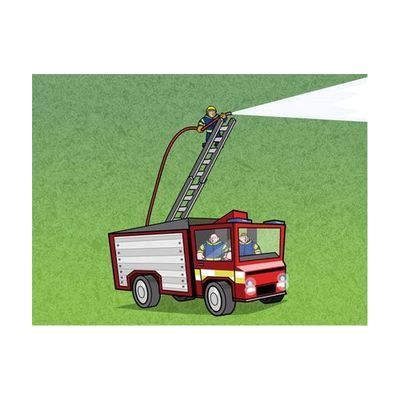
Switch Skills for Two Set 1 is a Windows software package of 16 two-switch activities that help learners move beyond basic cause and effect into early choice-making. Each activity uses playful themes, like feeding crocodiles, launching rockets, and dancing monsters, and the learner presses one of two switches to see different results. The activities are graded so skills build step by step, and they encourage turn-taking and interaction with a partner. Learners can use left and right switches or keyboard alternatives such as the spacebar. This is software only, so you'll need your own switches and a way to connect them to the computer.
Getting it
Try before you buy
Devices like this are often available to borrow through your state's AT Act program — typically free or low-cost — so you can try it before buying or pursuing funding.
Where to get it
This is the vendor WhatCanHelp tracks for this product — it may also be available from other retailers or a local supplier, and prices vary.
How to fund this
These are common places to ask about paying for equipment like this. Each one decides its own eligibility and what it covers, so start by asking them.
Details
Quick Facts Catalog facts · auto-generated
What setup looks like
- With a guide
- Install the software on a Windows computer once it arrives by email, which takes 2-3 working days.
- Connect two switches through a switch interface, or choose keyboard keys such as the spacebar as the two inputs.
- Try the first activities with the learner and check that each press works reliably. Plan about 20-30 minutes. See manufacturer support resources for detailed instructions.
Compare & explore
Sources & fine print
Vendor facts (name, price, platforms, vendor link) sourced from Inclusive Technology — view on vendor site (opens in a new tab); last checked October 26, 2026.
Classification & description AI-generated from vendor-published content on October 1, 2026 · confidence: high. Vendor specs may lag; verify before relying on details in a clinical or funding artifact.