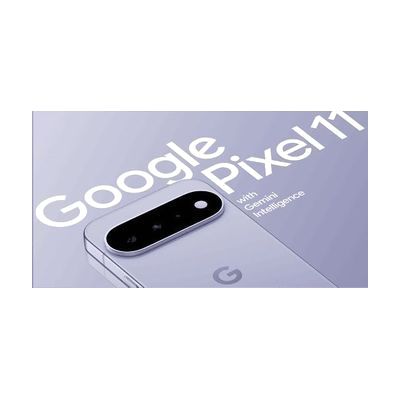
Google Pixel 11
by Google
Est. $799–$1,199, see price history
Typical price range, not a vendor quote. Confirm it with the vendor before buying.
What it is
Summary
AI-generated from vendor-published content · October 1, 2026
The Google Pixel 11 is a general-purpose Android smartphone, and its built-in accessibility settings are what make it useful as assistive technology. It comes unlocked, so you pick the carrier and plan, and it runs on Google's Tensor G6 chip. Look at the screen options: brightness reaches 3000 nits on the standard model, and the glass cover is built to resist scratches. This is a phone, not a ready-made AT system, so any voice, vision, or touch settings need to be turned on and tuned to the person using it.
Getting it
Try before you buy
Devices like this are often available to borrow through your state's AT Act program — typically free or low-cost — so you can try it before buying or pursuing funding.
Where to get it
This is the vendor WhatCanHelp tracks for this product — it may also be available from other retailers or a local supplier, and prices vary.
How to fund this
These are common places to ask about paying for equipment like this. Each one decides its own eligibility and what it covers, so start by asking them.
Details
Quick Facts Catalog facts · auto-generated
What setup looks like
- With a guide
- Charge the phone, turn it on, and follow the on-screen steps to sign in with a Google account and connect to Wi-Fi.
- If you want cellular service, contact a carrier such as AT&T or Verizon and follow their steps to activate it.
- Open the accessibility settings and turn on the features the person needs, such as screen reading, larger text, captions, or voice control. Plan on 30 to 60 minutes to try the options and pick the ones that fit. See manufacturer support resources for detailed instructions.
Compare & explore
Sources & fine print
Vendor facts (name, price, platforms, vendor link) sourced from Google — view on vendor site (opens in a new tab); last checked October 31, 2026.
Classification & description AI-generated from vendor-published content on October 1, 2026 · confidence: medium. Vendor specs may lag; verify before relying on details in a clinical or funding artifact.