TD Snap
Est. $100–$300, see price history
Typical price range, not a vendor quote. Confirm it with the vendor before buying.
What it is
Summary
AI-generated from vendor-published content · November 18, 2026
TD Snap is an AAC app that gives a person a way to speak through symbols, text or scanning, with spoken output. It comes with several page sets, including Core First, Motor Plan, Express, Text, Scanning and Aphasia, so a team can pick the layout that fits how the person communicates. Third-party sets such as PODD can be added as in-app purchases. Every page set works by touch, eye gaze or switch. The app also includes search and editing tools, behavioral supports and Google Assistant. It runs on select Tobii Dynavox devices, and it can be bought as a standalone app for iPad and Windows. Tobii Dynavox does not support it on other hardware sold by unlicensed resellers.
Getting it
Try before you buy
Devices like this are often available to borrow through your state's AT Act program — typically free or low-cost — so you can try it before buying or pursuing funding.
Where to get it
This is the vendor WhatCanHelp tracks for this product — it may also be available from other retailers or a local supplier, and prices vary.
How to fund this
These are common places to ask about paying for equipment like this. Each one decides its own eligibility and what it covers, so start by asking them.
Details
Quick Facts Catalog facts · auto-generated
- Addresses
- Platform
- Age range
- Complexity
- Professional guidance helps
- Price
- Est. $100–$300
- Funding
- AT Act lending
- Insurance
- Medicaid waiver
- Out of pocket
- School district
- Vocational rehab
What setup looks like
- Out of the box
Install the app on a compatible device and try the page sets with touch. - With a guide
- Explore the included page sets and change vocabulary and settings using the built-in editing tools.
- Expect a few hours to get comfortable with the layouts and customization.
- With professional help
- A speech-language pathologist (SLP) or AAC specialist picks the page set and access method (touch, eye gaze or switch) after an evaluation.
- Setting up scanning or eye gaze and customizing vocabulary usually takes several sessions over a few weeks. See manufacturer support resources for detailed instructions.
Compare & explore
More communication devices
-
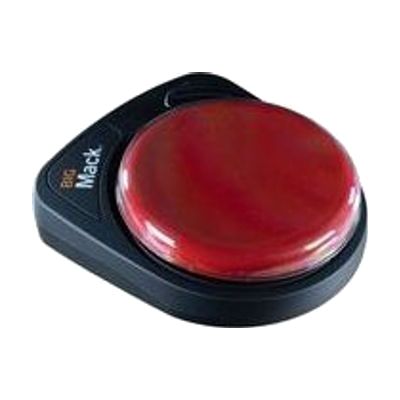
BIGmack
$155.00
-
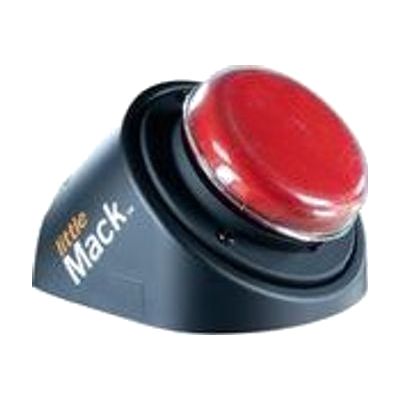
LITTLEmack
$155.00
-
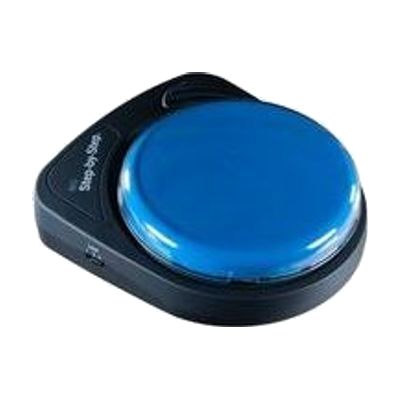
BIG Step-by-Step
$220.00
-
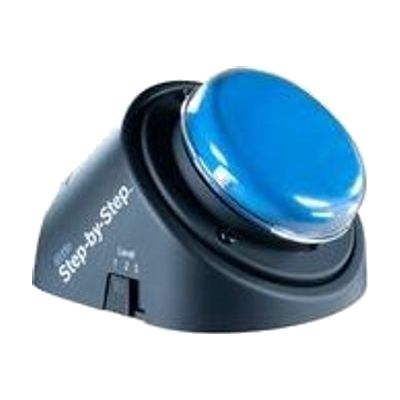
LITTLE Step-by-Step
$220.00
-
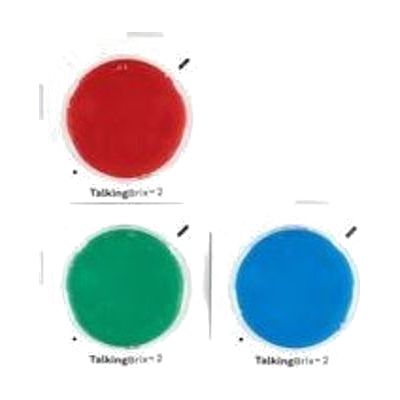
TalkingBrix 2
$255.00
-
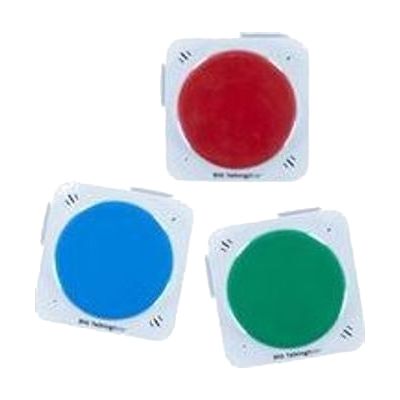
BIG TalkingBrix
$295.00
Sources & fine print
Vendor facts (name, price, platforms, vendor link) sourced from Tobii Dynavox — view on vendor site (opens in a new tab); last checked November 23, 2026.
Classification & description AI-generated from vendor-published content on November 18, 2026 · confidence: high. Vendor specs may lag; verify before relying on details in a clinical or funding artifact.