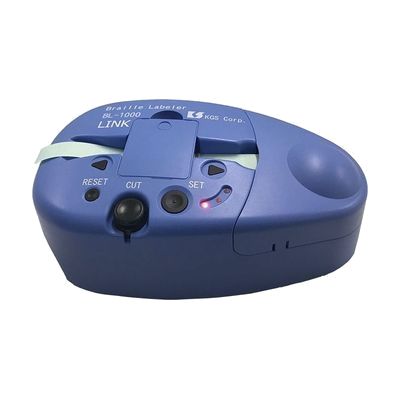
Braille labeler
by HumanWare
Price is what the vendor listed when last checked. Confirm it with the vendor before buying.
What it is
Summary
AI-generated from vendor-published content · November 21, 2026
This braille labeler embosses adhesive braille labels you can stick on food packaging, medicine bottles, cans, restaurant menus and similar items. You type your text in the included software on a computer, and the software translates it into braille for you. That means you don't need to know braille to make labels. You also choose how many labels to print and can save the text for later. After embossing, you peel off the backing sheet and press the label in place. It has to stay connected to a computer to work, so it suits a desk or workroom setup better than quick labeling on the go.
Getting it
Try before you buy
Devices like this are often available to borrow through your state's AT Act program — typically free or low-cost — so you can try it before buying or pursuing funding.
Where to get it
This is the vendor WhatCanHelp tracks for this product — it may also be available from other retailers or a local supplier, and prices vary.
How to fund this
These are common places to ask about paying for equipment like this. Each one decides its own eligibility and what it covers, so start by asking them.
Details
Quick Facts Catalog facts · auto-generated
- Addresses
- Platform
- Age range
- Complexity
- Setup with instructions
- Price
- $1,335.00
- Funding
- AT Act lending
- Out of pocket
- School district
- Vocational rehab
What setup looks like
- Out of the box
- Connect the labeler to your computer and install the included software.
- Type your text, pick how many labels you want, and send it to the labeler.
- Peel off the backing sheet and stick the label on the item.
- With a guide
Use the manual to install the software and connect the labeler. Plan on about 30 minutes to get your first labels printed. See manufacturer support resources for detailed instructions.
Compare & explore
More braille displays
-
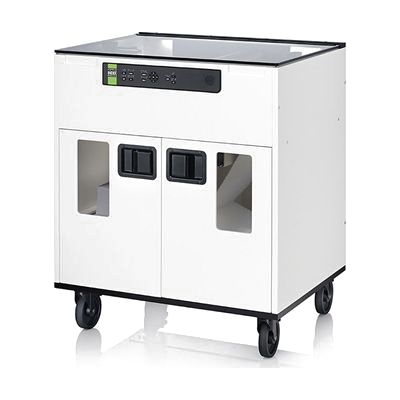
FanFold+ V5 – Tractor-fed braille embosser
Est. $20,000–$40,000
-
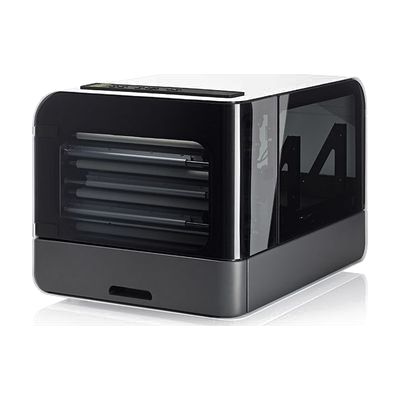
BrailleBox V5 production embosser
Est. $14,000–$20,000
-
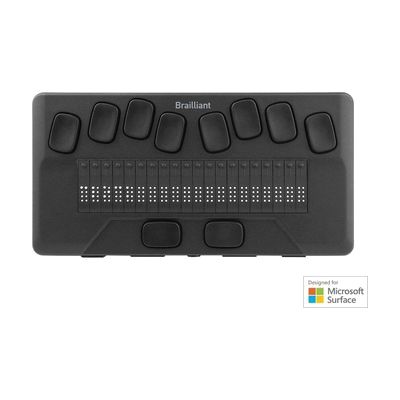
Brailliant BI 20X braille display
$1,899.00
-
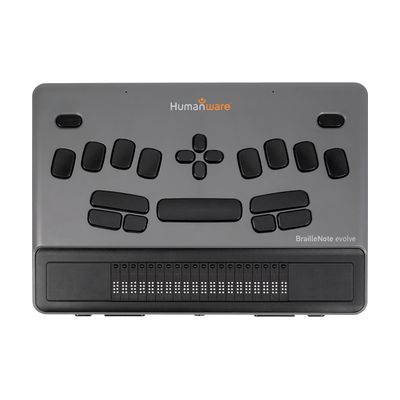
BrailleNote evolve 20
$5,199.00
-
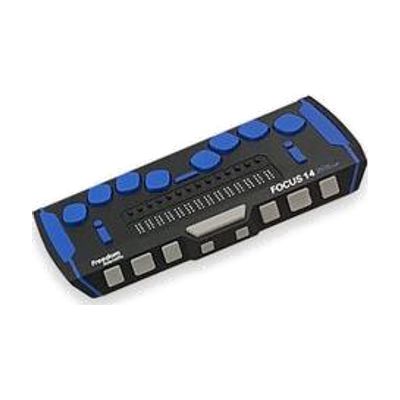
Focus 14 Blue - 5th Generation
$1,622.25
-
Sources & fine print
Vendor facts (name, price, platforms, vendor link) sourced from HumanWare — view on vendor site (opens in a new tab); last checked November 23, 2026.
Classification & description AI-generated from vendor-published content on November 21, 2026 · confidence: medium. Vendor specs may lag; verify before relying on details in a clinical or funding artifact.