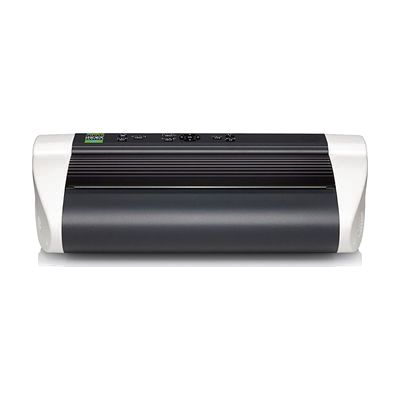
Basic-D V5 braille embosser
Price is what the vendor listed when last checked. Confirm it with the vendor before buying.
What it is
Summary
AI-generated from vendor-published content · November 21, 2026
The Basic-D V5 is a compact braille embosser that prints single-sided or double-sided braille on continuous fanfold paper, at up to 140 characters per second. It has a built-in translator, so it can turn Word, PDF and text files into contracted braille in many languages. You can send files from a computer or mobile device over Bluetooth or wireless, or emboss straight from a USB thumb drive. Spoken prompts guide you through the menus, and the control panel works for both blind and sighted users. It suits a school, library, office or home that needs to produce braille documents on its own schedule. Embossing needs fanfold paper that works with a tractor feed, so plan for that supply.
Getting it
Try before you buy
Devices like this are often available to borrow through your state's AT Act program — typically free or low-cost — so you can try it before buying or pursuing funding.
Where to get it
This is the vendor WhatCanHelp tracks for this product — it may also be available from other retailers or a local supplier, and prices vary.
How to fund this
These are common places to ask about paying for equipment like this. Each one decides its own eligibility and what it covers, so start by asking them.
Details
Quick Facts Catalog facts · auto-generated
- Addresses
- Platform
- Age range
- Complexity
- Setup with instructions
- Price
- $4,699.00
- Funding
- AT Act lending
- Out of pocket
- School district
- Vocational rehab
What setup looks like
- Out of the box
Load fanfold paper into the tractor feed and plug in the embosser. - With a guide
- Connect the embosser to your computer or mobile device by Bluetooth, wireless or USB.
- Send a test file and set your braille language and options. Plan on about an hour, including a test print.
Compare & explore
More alternative input
-
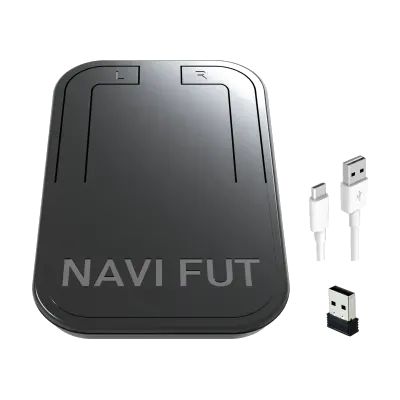
xStep Foot Mouse
Est. $150–$350
-
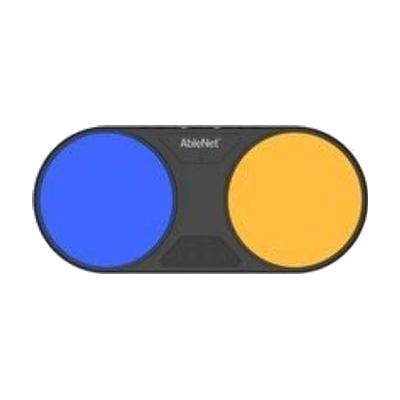
Blue2 FT
$260.00
-
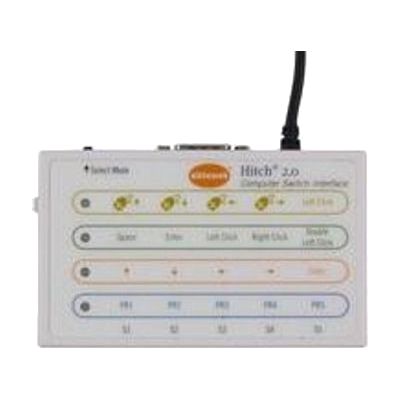
Hitch 2
$120.00
-
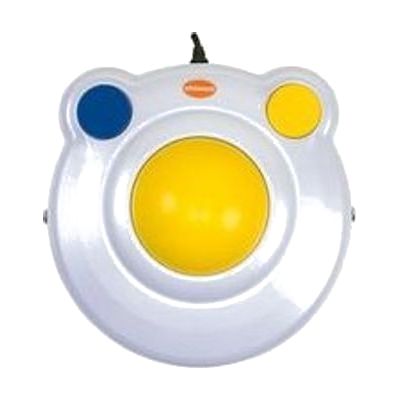
BIGtrack 2
$100.00
-
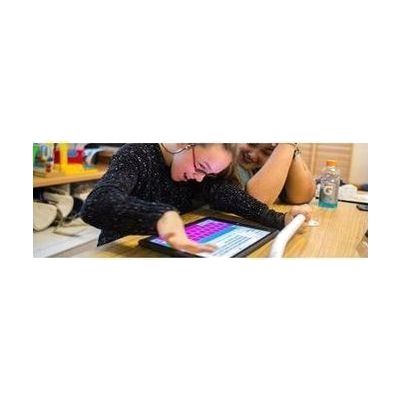
Keeble - AssistiveWare
Est. $4–$20
-

Sources & fine print
Vendor facts (name, price, platforms, vendor link) sourced from HumanWare — view on vendor site (opens in a new tab); last checked November 23, 2026.
Classification & description AI-generated from vendor-published content on November 21, 2026 · confidence: medium. Vendor specs may lag; verify before relying on details in a clinical or funding artifact.