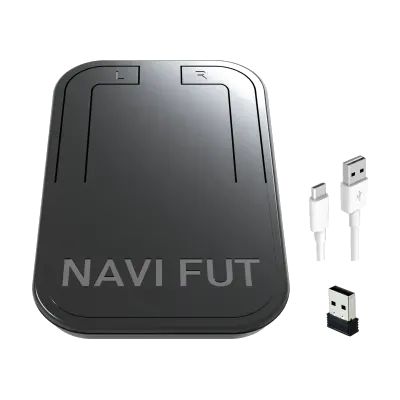
xStep Foot Mouse
by NaviFut
Est. $150–$350, see price history
Typical price range, not a vendor quote. Confirm it with the vendor before buying.
What it is
Summary
AI-generated from vendor-published content · November 23, 2026
The xStep is a wireless mouse you run with one foot instead of your hand. It moves the cursor, and its built-in left and right buttons handle clicking, so no hand use is needed. It tracks at 1600 DPI and connects to PC and Mac over USB with no extra software. You can use it barefoot or in shoes, at home or in an office. It suits someone with RSI, carpal tunnel, a hand or arm injury, or limited hand movement who wants to take the load off wrists and fingers. A foot mat is offered with it, and the product page lists one as an optional extra. Foot control takes some practice to get smooth, so give yourself a few days to get used to it.
Getting it
Try before you buy
Devices like this are often available to borrow through your state's AT Act program — typically free or low-cost — so you can try it before buying or pursuing funding.
Where to get it
This is the vendor WhatCanHelp tracks for this product — it may also be available from other retailers or a local supplier, and prices vary.
How to fund this
These are common places to ask about paying for equipment like this. Each one decides its own eligibility and what it covers, so start by asking them.
Details
Quick Facts Catalog facts · auto-generated
- Addresses
- Platform
- Age range
- Complexity
- Setup with instructions
- Price
- Est. $150–$350
- Funding
- AT Act lending
- Out of pocket
- Vocational rehab
What setup looks like
- Out of the box
- Plug the USB receiver into your computer and rest your foot on the mouse.
- Move your foot to steer the cursor and press the built-in buttons to left or right click. Expect a short learning curve before it feels natural.
Compare & explore
More alternative input
-
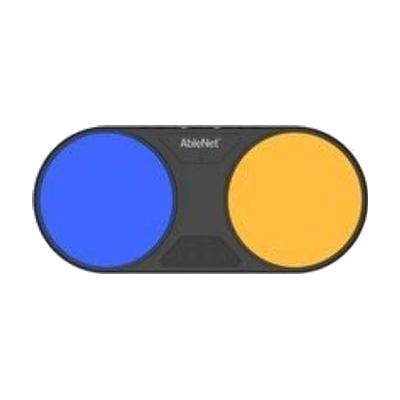
Blue2 FT
$260.00
-
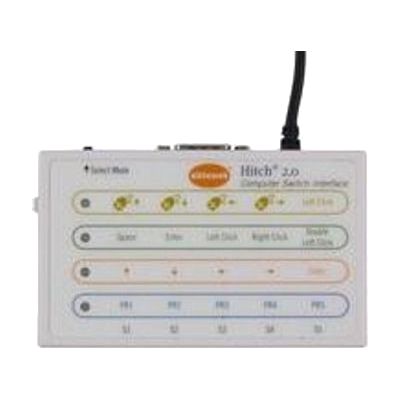
Hitch 2
$120.00
-
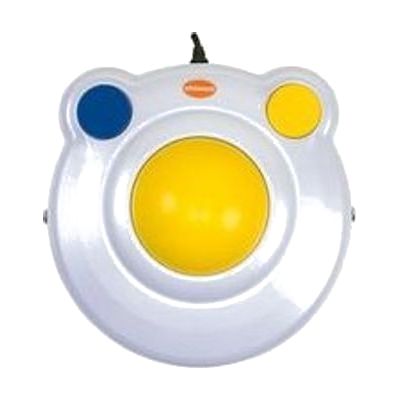
BIGtrack 2
$100.00
-

Keeble - AssistiveWare
Est. $4–$20
-

-

Sources & fine print
Vendor facts (name, price, platforms, vendor link) sourced from NaviFut — view on vendor site (opens in a new tab); last checked November 23, 2026.
Classification & description AI-generated from vendor-published content on November 23, 2026 · confidence: high. Vendor specs may lag; verify before relying on details in a clinical or funding artifact.