What it is
Summary
AI-generated from vendor-published content
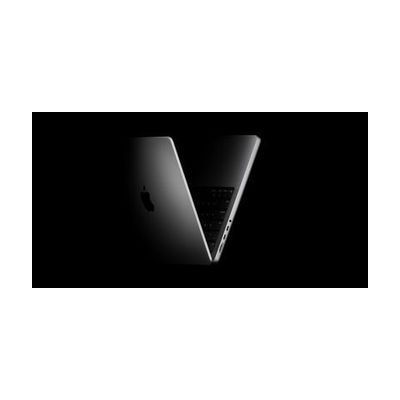
A laptop computer with built-in accessibility features that support users with various disabilities. MacBook Pro includes screen magnification, screen reader (VoiceOver), captioning, voice control, and customizable displays — making it a platform for running specialized assistive software and accessing AT applications.
Quick Facts Catalog facts · auto-generated
- AT Act lending
- Out of pocket
- Vocational rehab
What Setup Looks Like
- Out of the box, the MacBook Pro works as a standard laptop.
- Accessibility features are built in: enable VoiceOver (screen reader) in System Settings > Accessibility, adjust text size and display contrast, turn on captions, or use Voice Control — all available immediately without additional software.
- For specific assistive needs (eye-gaze software, specialized AAC apps, custom mounting), consult with an ATP or your school/clinic IT team.
Getting it
Try Before You Buy
Devices like this are often available to borrow through your state's AT Act program — typically free or low-cost — so you can try it before buying or pursuing funding.
Where to Get It
This is the vendor WhatCanHelp tracks for this product — it may also be available from other retailers or a local supplier, and prices vary.
Some links may be affiliate links — WhatCanHelp may earn a small commission from purchases at no extra cost to you. More on affiliates →
As an Amazon Associate we earn from qualifying purchases.
How to Fund This
Equipment like this is often pursued through official state programs. These are common starting points — each program decides its own eligibility and what it covers, so the first step is always a phone call.
Compare & explore
Sources & fine print
Vendor facts (name, price, platforms, vendor link) sourced from Apple — view on vendor site; last verified September 17, 2026.
Classification & description AI-generated from vendor-published content · confidence: high. Vendor specs may lag; verify before relying on details in a clinical or funding artifact.