Focus 40 (6th Gen)
Price is what the vendor listed when last checked. Confirm it with the vendor before buying.
What it is
Summary
AI-generated from vendor-published content · November 18, 2026
The Focus 40 (6th Gen) is a portable braille display. It has 40 refreshable braille cells that raise and lower pins to show whatever is on a screen, so a blind reader can read it by touch. A smooth cap runs across the whole braille line, and the cell assembly uses a redesigned pin for steady, consistent reading. An 8-dot braille keyboard, thumb keys, panning buttons, cursor routing buttons and a four-way D-pad let you type and move through files, lists and menus without a mouse. It pairs with up to five Bluetooth devices plus one USB-C connection, and switching between them is quick. It works with iPhones and iPads (iOS 11 or later) and Android devices, and with JAWS on Windows for combined speech and braille. It also supports JAWS Braille Study Mode for learning and teaching braille. Battery life runs up to 20 hours, and the display weighs 550 g without its carry case. It is a display, not a stand-alone computer, so you need a phone, tablet or PC to run it.
Getting it
Try before you buy
Devices like this are often available to borrow through your state's AT Act program — typically free or low-cost — so you can try it before buying or pursuing funding.
Where to get it
This is the vendor WhatCanHelp tracks for this product — it may also be available from other retailers or a local supplier, and prices vary.
How to fund this
These are common places to ask about paying for equipment like this. Each one decides its own eligibility and what it covers, so start by asking them.
Details
Quick Facts Catalog facts · auto-generated
- Type
- Addresses
- Platform
- Age range
- Complexity
- Setup with instructions
- Price
- $3,495.00
- Funding
- AT Act lending
- Out of pocket
- School district
- Vocational rehab
What setup looks like
- Out of the box
Pair the display over Bluetooth with an iPhone, iPad or Android device, then turn on braille support in that device's screen reader settings. - With a guide
- For Windows, connect by USB-C or Bluetooth and set up JAWS to send output to the display.
- Learn the key commands for panning, routing and braille input; plan on about an hour to get comfortable. See manufacturer support resources for detailed instructions.
- With professional help
A teacher of students with visual impairments (TVI) or assistive technology specialist can help a new braille user choose settings and build skills. Plan on a few sessions over a few weeks.
Compare & explore
More braille displays
-
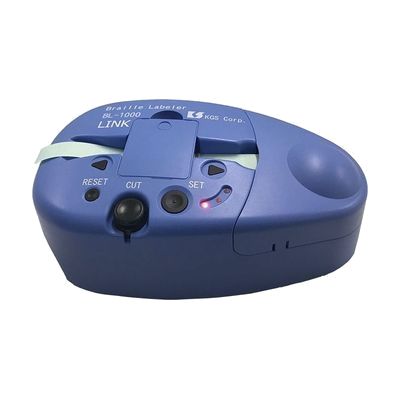
Braille labeler
$1,335.00
-
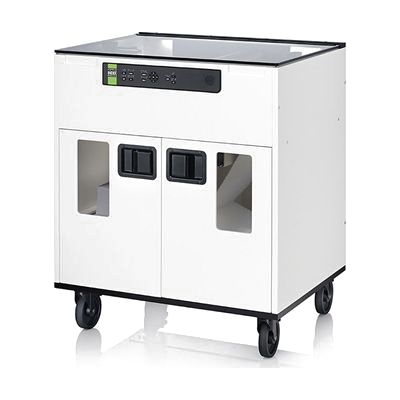
FanFold+ V5 – Tractor-fed braille embosser
Est. $20,000–$40,000
-
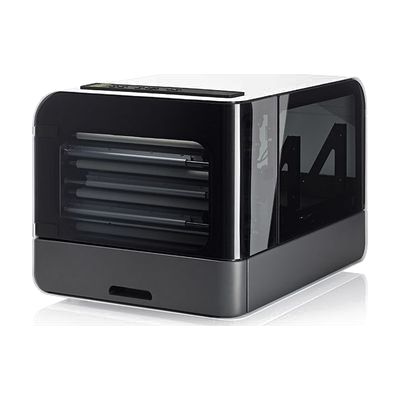
BrailleBox V5 production embosser
Est. $14,000–$20,000
-
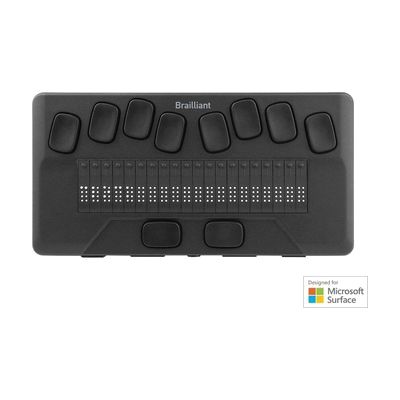
Brailliant BI 20X braille display
$1,899.00
-
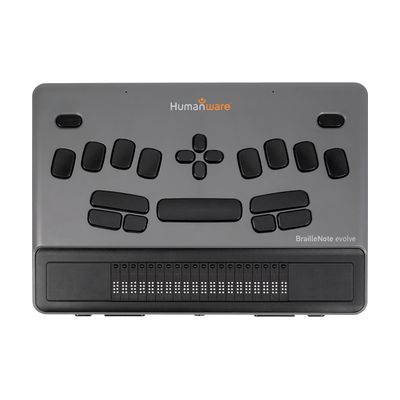
BrailleNote evolve 20
$5,199.00
-
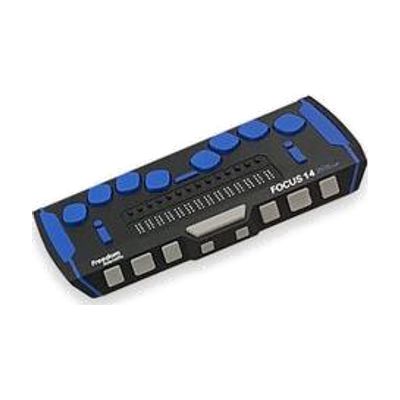
Focus 14 Blue - 5th Generation
$1,622.25
Sources & fine print
Vendor facts (name, price, platforms, vendor link) sourced from Freedom Scientific — view on vendor site (opens in a new tab); last checked November 25, 2026.
Classification & description AI-generated from vendor-published content on November 18, 2026 · confidence: high. Vendor specs may lag; verify before relying on details in a clinical or funding artifact.