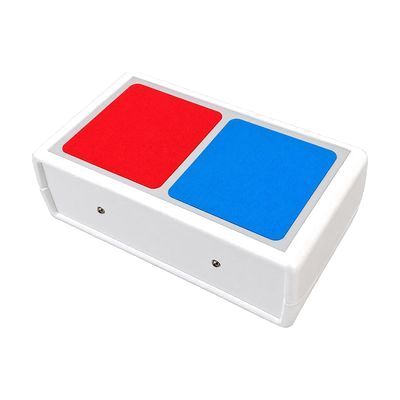
2Touch Dual Touch Switch
Est. $150–$300, see price history
Typical price range, not a vendor quote. Confirm it with the vendor before buying.
What it is
Summary
AI-generated from vendor-published content · November 20, 2026
The 2Touch is a switch with two large touch areas that respond to a very light touch or a movement close by, so no pressing is needed. That makes it a good fit for someone who can't push a standard button but can still move a hand, finger or head near a surface. You can set the sensitivity from low to very high, and each side lights up, with an optional click sound, when it fires. It even works through glass or Perspex. Two 3.5mm jacks let you connect switch-adapted toys and communication aids. A USB-C connection lets it send keyboard commands, mouse clicks and scrolling to a computer or tablet. Dedicated software lets you change sensitivity, sounds and keyboard functions, and those settings are saved on the switch itself.
Getting it
Try before you buy
Devices like this are often available to borrow through your state's AT Act program — typically free or low-cost — so you can try it before buying or pursuing funding.
Where to get it
This is the vendor WhatCanHelp tracks for this product — it may also be available from other retailers or a local supplier, and prices vary.
How to fund this
These are common places to ask about paying for equipment like this. Each one decides its own eligibility and what it covers, so start by asking them.
Details
Quick Facts Catalog facts · auto-generated
- Addresses
- Platform
- Age range
- Complexity
- Professional guidance helps
- Price
- Est. $150–$300
- Funding
- AT Act lending
- Out of pocket
- School district
- Vocational rehab
What setup looks like
- Out of the box
Plug a 3.5mm cable into a switch-adapted toy or communication aid and try a light touch on either pad. - With a guide
- Connect by USB-C to a computer or tablet and use the dedicated software to set sensitivity, click sound and keyboard functions.
- Test each touch area with the person who will use it and adjust until activations are reliable. Allow about 30 minutes. See manufacturer support resources for detailed instructions.
- With professional help
- An occupational therapist (OT), speech-language pathologist (SLP) or ATP can help choose where to place the pads and how to set sensitivity for the user's movement.
- Plan on 1-2 sessions to find a reliable position and settings, especially if the switch will run an AAC device.
Compare & explore
More switches & buttons
-
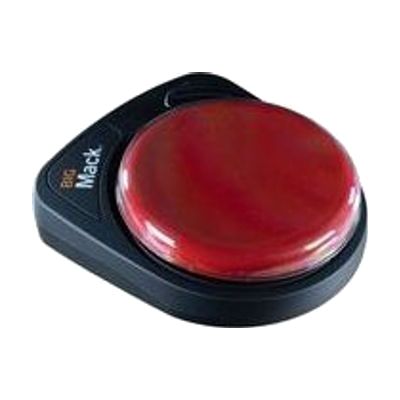
BIGmack
$155.00
-
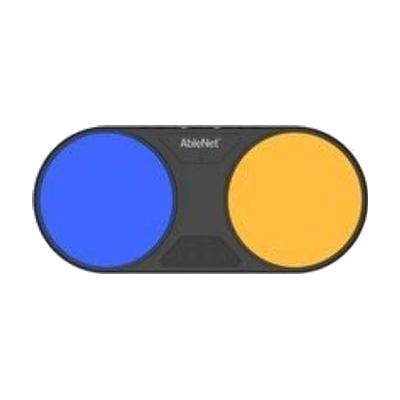
Blue2 FT
$260.00
-
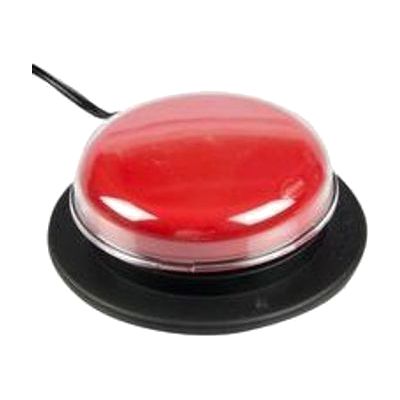
Jelly Bean
$75.00
-
Specs IC
$75.00
-
Big Red
$75.00
-
Micro Light Switch
$90.00 – $95.00
Sources & fine print
Vendor facts (name, price, platforms, vendor link) sourced from Inclusive Technology — view on vendor site (opens in a new tab); last checked November 26, 2026.
Classification & description AI-generated from vendor-published content on November 20, 2026 · confidence: high. Vendor specs may lag; verify before relying on details in a clinical or funding artifact.