tecla-e
Price is what the vendor listed when last checked. Confirm it with the vendor before buying.
What it is
Summary
AI-generated from vendor-published content · November 19, 2026
The tecla-e lets someone with limited arm and hand movement run a phone, tablet, or computer without touching it. It connects to the switches they already use, such as buttons, sip-and-puff controllers, head arrays, joysticks, or a power wheelchair's driving controls. It then links to the device over Bluetooth. From there you can send messages, browse the web, make calls, launch apps, and give Siri commands, and you can also control a TV, lights, or a thermostat. One unit can work with several devices, including iPhones, iPads, Android phones and tablets, Macs, Windows PCs, and Apple TV. It can be mounted on a power wheelchair with the separate tecla-e Wheelchair Mount. It is only the interface, so you will need your own switch or wheelchair controls to go with it.
Getting it
Try before you buy
Devices like this are often available to borrow through your state's AT Act program — typically free or low-cost — so you can try it before buying or pursuing funding.
Where to get it
This is the vendor WhatCanHelp tracks for this product — it may also be available from other retailers or a local supplier, and prices vary.
How to fund this
These are common places to ask about paying for equipment like this. Each one decides its own eligibility and what it covers, so start by asking them.
Details
Quick Facts Catalog facts · auto-generated
- Platform
- Age range
- Complexity
- Professional guidance helps
- Price
- $499.00
- Funding
- AT Act lending
- Medicaid waiver
- Out of pocket
- Vocational rehab
What setup looks like
- With a guide
- Pair the tecla-e with your phone, tablet, or computer over Bluetooth, and plug in your switch or wheelchair controls.
- Set up the switch actions and any smart-home links by following the manufacturer's guide; plan on about an hour or two.
- With professional help
- An occupational therapist (OT) or assistive technology professional (ATP) can help choose the right switch, set up the scanning, and position everything for reliable use.
- Mounting it on a power wheelchair and fitting the access method often takes one or two sessions.
Compare & explore
More alternative input
-
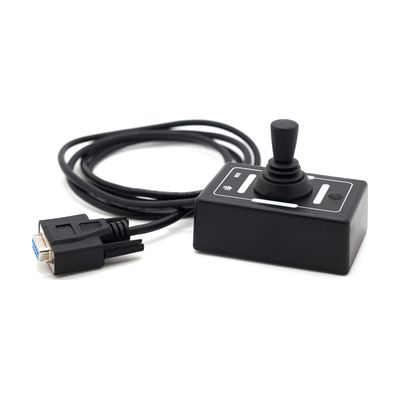
4-Way Joystick
$90.00
-
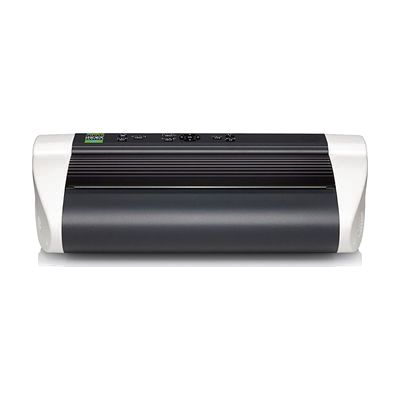
Basic-D V5 braille embosser
$4,699.00
-
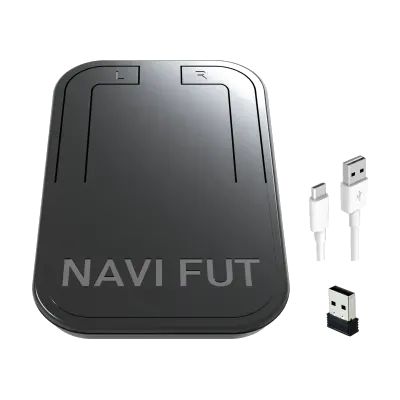
xStep Foot Mouse
Est. $150–$350
-
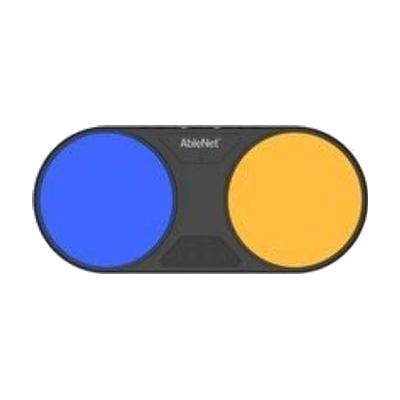
Blue2 FT
$260.00
-
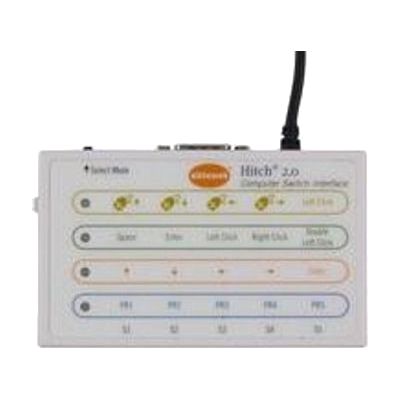
Hitch 2
$120.00
-
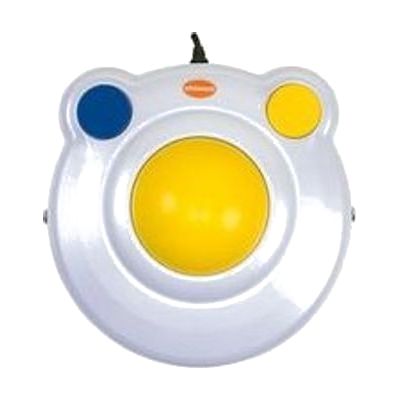
BIGtrack 2
$100.00
Sources & fine print
Vendor facts (name, price, platforms, vendor link) sourced from Tecla — view on vendor site (opens in a new tab); last checked November 23, 2026.
Classification & description AI-generated from vendor-published content on November 19, 2026 · confidence: high. Vendor specs may lag; verify before relying on details in a clinical or funding artifact.