Browse Assistive Technology
Products
-
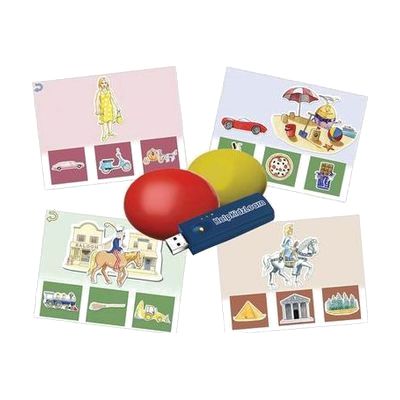
Inclusive Easy Choice Bundle
Est. $150–$450
This bundle pairs two wireless switches with HelpKidzLearn software called EasySwitch and Choose and Tell. Together they give a child a way to start making choices and to practice scanning, where options are highlighted one at a time and a switch press picks one. It is made for young learners who are building early choice-making skills and need a switch, rather than a mouse or touchscreen, to take part. Because the switches are wireless, they can be positioned where a child can reach them most easily. The software runs on a computer, so you'll need one set up and ready.
Verified 4 days agoProfessional guidance helps -

Switch Skills 2
Est. $40–$90
Switch Skills 2 is a Windows program with 20 cause-and-effect activities for people who are just starting to use a switch. Each press brings lively animations and music, which helps build timing and visual attention. Some activities are open-ended and creative, like spraying paint on a wall or playing with color and movement. Others are more visually complex, for learners who are ready for a next step. You can adjust the settings to fit one person and change them as skills grow. It works with a switch or a touch screen, but you'll need a switch and a way to connect it to the computer.
Verified 1 week agoSetup with instructions -
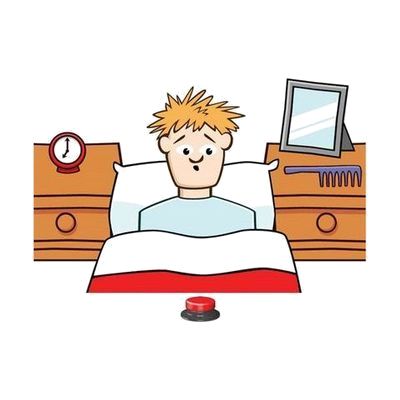
SwitchIt! Hygiene Extra
Est. $45–$120
SwitchIt! Hygiene Extra is learning software that uses everyday personal hygiene themes to help someone build switch skills. It includes several activity types, from simple cause and effect, to putting steps in order, to choosing from a picture menu on their own. You can adjust the settings to fit the learner, and it works with a wide range of access devices. It suits learners of any age who are learning to use a switch while also learning about daily routines.
Verified 4 days agoSetup with instructions -
Talking Typer for Windows
$79.00
Talking Typer for Windows is typing-training software that speaks each lesson aloud and also shows it on screen. It includes drills, practice sessions, and typing games, and it adjusts to the student's skill level and to how much they can see. It's meant for students who are learning to type and need audio support to do it.
Verified 3 days agoReady to use -
NaturalReader
Free plan · paid up to $159 every year
NaturalReader is text-to-speech software that reads documents, PDFs, images and web pages out loud, and it can save the audio as an MP3. Its camera scanner reads printed text, and the Chrome extension reads web pages, emails and PDFs, and can read your own writing back in Google Docs so you can catch mistakes by ear. It works as a web app, on iOS, Android and desktop, so it suits students or adults who find reading easier by listening, or who have trouble seeing small print. There is a free plan, but the paid plans are billed yearly, so check what each level includes before you commit.
Verified 4 days agoSetup with instructions -
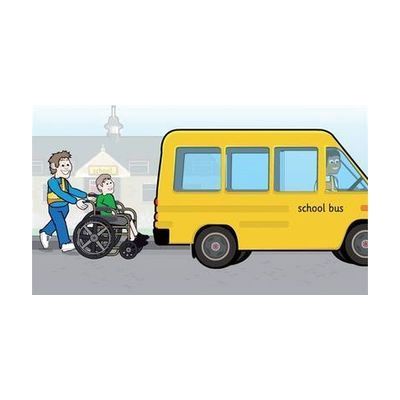
SwitchIt! Transport Extra
Est. $40–$90
SwitchIt! Transport Extra is Windows software that turns twelve transport themes, such as a school bus, ferry, digger, space rocket and taxi, into cause-and-effect and early choice-making activities. Each theme has flash cards that show a picture and say its name, picture builds that put a scene together with a switch press and end in an animated reward, and animated stories. It's meant for young learners who access a computer by switch, touch screen, mouse or auditory scanning, and who benefit from clear graphics, sound cues and picture menus. Printable extras like flashcards, sequencing, colouring and matching games come with it, and you can adjust the subject choices and access settings for each learner. You'll need your own switch and a way to connect it if switch access is the goal.
Verified 4 days agoSetup with instructions -

Switch Skills
Est. $30–$80
Switch Skills is a Windows program of game-style activities that help someone practice pressing a switch at the right moment. In activities like Racing Cars, Catch the Crocs and Soccer Shoot, the learner presses to race, catch or kick when the timing is right. Bright graphics and audio feedback make it usable for learners with low vision. The program tracks performance, and you can raise the difficulty as skills grow. A related Scanning title builds early scanning and choice-making skills. It is software only, so you will need a switch the learner can use and a way to connect it to the computer.
Verified 1 week agoProfessional guidance helps -

Boardmaker 7 Student Center
Est. $99–$499
Student Center is the app a learner opens to do Boardmaker 7 activities that a teacher, therapist, or parent has assigned. Those activities show up in the learner's account on their own. It runs on Windows, Mac, and Chromebook computers, iPads, and Tobii Dynavox devices, and it works with or without an internet connection. Access settings for eye gaze, switch, mouse, and touch can be saved to the learner's login, so the right setup is ready each time. The app comes with any Boardmaker 7 Subscription, so you need that subscription before it's useful. The subscription tier decides whether you can assign material and track progress.
Verified 4 days agoProfessional guidance helps -
Typio Typing Tutor Software
$99.95
Typio is a typing tutor that teaches the full QWERTY keyboard through spoken guidance and high-visibility on-screen visuals, so a student who is blind or has low vision can learn to touch type. It includes 45 lessons that save progress and move forward only when the student reaches the goals set for them. Teachers can build custom lessons, keep records for each student, and print detailed reports. It also has a free-type mode that tracks stats without prompting, and a practice mode for reviewing lessons. It runs on its own without a screen reader or other accessibility program.
Verified todayProfessional guidance helps -
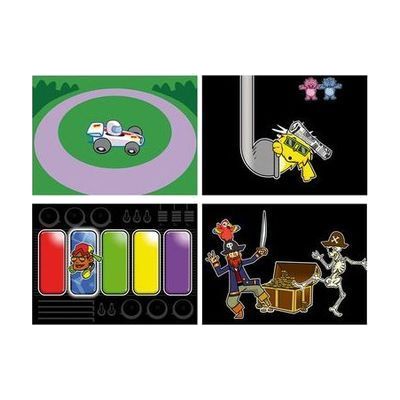
Inclusive Switch Skills Bundle
Est. $600–$1,200
This bundle pairs a Multi2 switch interface and Smoothie Switches with Switch Skills software titles that build core switch control and timing. The activities start with cause and effect and move toward early scanning, so a child can practice using a switch step by step. The listings differ on whether it includes three or four software titles, so confirm that before ordering. It's a ready-made practice kit, but it works best when a therapist or teacher helps match the switches and activities to the child.
Verified 4 days agoProfessional guidance helps -

Switch Skills for Two Set 2
Est. $40–$90
Switch Skills for Two Set 2 is a Windows software pack with 11 two-switch activities for learners who are moving past basic cause and effect. In the "Build Up" games, one switch builds or prepares something, like stacking tin cans or inflating a balloon, and the second switch sets off the result, such as knocking the tower down or popping the balloon. The "Move and Get" games, like feeding a crocodile or launching a rocket, add timing and sequencing, which helps prepare a learner for scanning communicators. You'll need two switches and a way to connect them to your computer, and it's delivered by email rather than shipped.
Verified 1 week agoSetup with instructions -
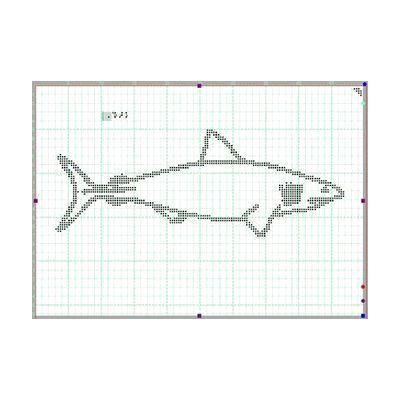
TactileView
$595.00
TactileView is Windows software for making tactile graphics, which are raised-line images that can be felt by touch. You use it to create and edit those graphics yourself, then share them with others. It also works with the Monarch, so your finished graphics can move over to that device.
Verified 3 days agoProfessional guidance helps -
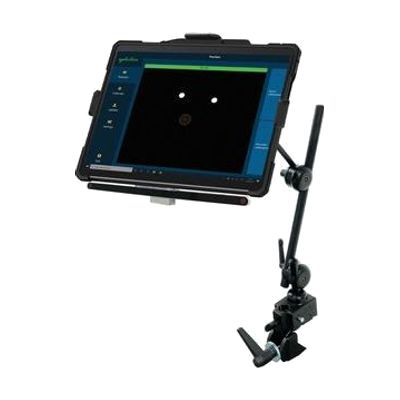
Surface Pro EyeGaze Education: eyetuitive for Windows
Est. $1,500–$3,500
This bundle pairs a Windows Surface Pro tablet with eyetuitive's eye gaze system, so a student can control the tablet by looking at the screen instead of touching it. It's put together for the special education classroom, and the maker describes it as portable, sturdy, and easy to use. Because the tablet and the eye gaze pieces come as one package, you're not hunting for compatible parts yourself. Eye gaze works best when it's matched to the student's vision, positioning, and goals, so expect to get help from a therapist or ATP when choosing software and tuning the setup.
Verified 4 days agoProfessional guidance helps -
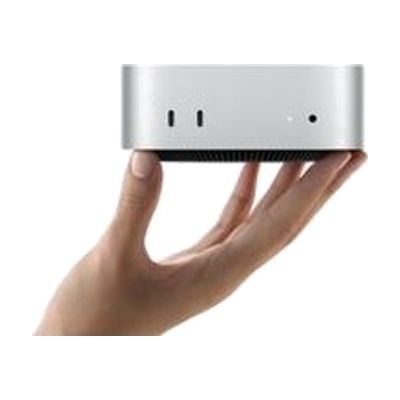
Mac mini
$599.00
The Mac mini is a small desktop computer, about five by five inches, that runs macOS and connects to the monitor, keyboard, and mouse you choose. That freedom is what makes it useful for assistive technology: you can pair it with larger or specialized displays, alternative input devices, or switch-based setups, and use the accessibility features built into macOS. It has ports on both the front and back, and it can sit next to a monitor or be mounted out of the way. Keep in mind that it is only the computer itself, so you need to supply the screen and input devices, and any assistive setup is up to you.
Verified 4 days agoSetup with instructions -
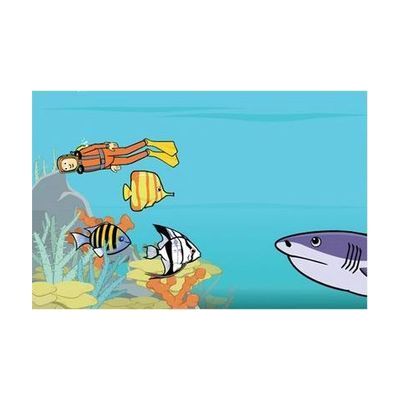
SwitchIt! Wildlife Extra
Est. $40–$90
SwitchIt! Wildlife Extra is a Windows software program that uses animal and habitat themes to teach cause and effect, sequencing, and early choice-making. A learner can run it with one or two switches, a mouse, a keyboard, or a touch monitor. It offers three kinds of activities: five-step animated event sequences, picture building (step by step or one touch), and flash cards with spoken support. A picture menu lets children who don't read pick their own scenes. You can change the number of steps and the reward time, and save settings for each learner. It also comes with printable worksheets and braille worksheets made for swell paper and a heat fuser. If you plan to use switches, you'll need the switch hardware and a way to connect it to the computer.
Verified 4 days agoSetup with instructions -

Switch Skills for Two Set 1
Est. $100–$250
Switch Skills for Two Set 1 is a Windows software package of 16 two-switch activities that help learners move beyond basic cause and effect into early choice-making. Each activity uses playful themes, like feeding crocodiles, launching rockets, and dancing monsters, and the learner presses one of two switches to see different results. The activities are graded so skills build step by step, and they encourage turn-taking and interaction with a partner. Learners can use left and right switches or keyboard alternatives such as the spacebar. This is software only, so you'll need your own switches and a way to connect them to the computer.
Verified 1 week agoSetup with instructions -
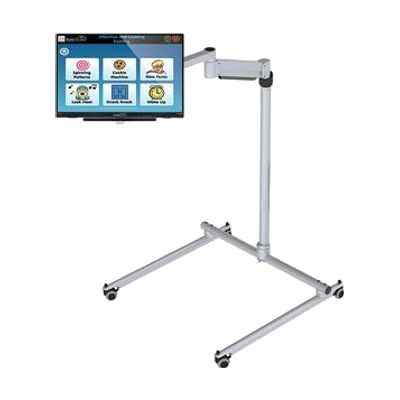
All in One EyeGaze Education: eyetuitive for Windows
Est. $800–$2,000
This is a ready-to-assemble eye gaze package for a special needs classroom, built around eyetuitive for Windows. The bundle includes a touch PC or monitor, a REHAdapt stand to hold it, and Inclusive EyeGaze software. With eye gaze, a student controls the screen by looking at it instead of using a mouse or touch, which opens up learning activities and communication for children who can't use those tools easily. Because the pieces come together in one package, a school doesn't have to match a tracker, screen, mount, and software on its own. Getting the student positioned well and the tracking calibrated is where a therapist or AT specialist can make a real difference.
Verified 4 days agoProfessional guidance helps -

SENse Ceiling Tile
Est. $3,000–$6,000
The SENse Ceiling Tile is a projector built into a ceiling-mounted unit that casts a large, bright, interactive image onto the floor. People can step, move, or reach into the projected activities to play with them. It comes with Imaginate software, which has more than 350 activities already installed, so there is plenty to try right away. It suits a classroom, therapy room, or sensory space where you want movement-based play and learning for children or adults.
Verified 4 days agoSetup with instructions -
Big Bang Patterns
Est. $30–$80
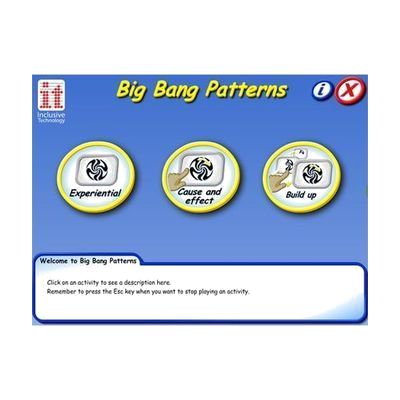
Big Bang Patterns is a Windows program that fills the screen with more than 60 bright, bold animations, paired with lively music and sound effects. It has three activity modes, one of them for cause and effect and another for simply experiencing the visuals and sound, so you can match it to where a learner is. The sights and sounds can be adjusted to individual preferences. It can be used with a switch, touch screen, keyboard, or mouse, which makes it a fit for learners with complex or sensory needs and for sensory rooms. It is sold as a download for Windows 7 through 11, and the same title is offered separately as an iPad app.
Verified 4 days agoSetup with instructions -
Counting Songs 2
Est. $30–$80
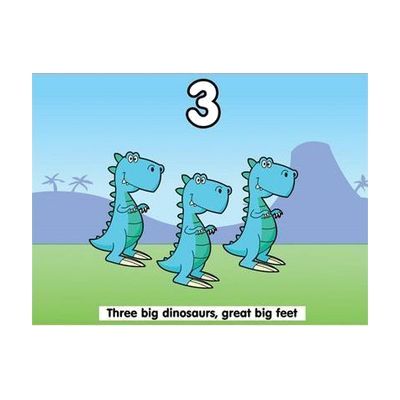
Counting Songs 2 is a Windows program that teaches counting through ten original songs. Seven count up from 1 to 5 and three count down from 5 to 1. Each song comes with activities that practice counting through repetition, visuals, and encouraging feedback. The program has three levels, so it can grow with a learner. It's aimed at older learners with learning difficulties, around KS2 age, and the songs are meant to feel age-appropriate rather than babyish. Learners can use a touch screen, a mouse, or switches, so it can fit different ways of accessing a computer. A separate iPad app version also exists.
Verified 4 days agoSetup with instructions -

SwitchIt! Dinosaurs Extra
Est. $35–$80
SwitchIt! Dinosaurs Extra is a Windows program of animated, sound-filled activities about dinosaurs, prehistoric animals and their habitats. A learner can build pictures and follow short stories, such as a mammoth rescuing its young or a fossil forming over time, using one or two switches, a mouse, a touch screen or a keyboard. It's aimed at switch users and early learners, and the activities encourage sequencing, prediction and language. It also comes with printable worksheets (dot-to-dots, matching, story sequencing, colouring) and braille worksheets meant for swell paper and a heat fuser. The braille sheets need that equipment to be useful, and you'll need a way to connect switches if that's how the learner will play.
Verified 4 days agoSetup with instructions -
iPad Air
$599.00
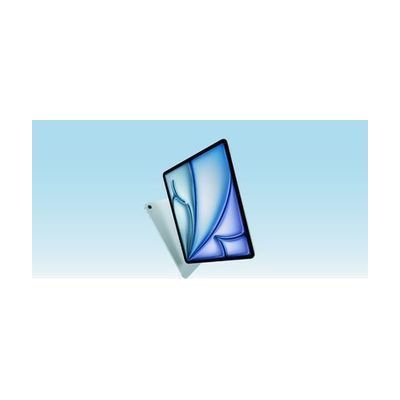
The iPad Air is Apple's mainstream tablet, available in 11-inch and 13-inch sizes with a Liquid Retina display and the M4 chip. It matters for assistive technology because iPadOS is the platform many communication, learning, vision, hearing, and alternative-access apps are built for, so one device can serve many different needs depending on which apps and settings you choose. It works with a Magic Keyboard and Apple Pencil Pro if those suit the person using it, but they are separate purchases. The tablet itself is a general-purpose device, not a ready-made AT solution, so the benefit comes from what you set up on it.
Verified 4 days agoSetup with instructions -

SwitchIt! People Extra
Est. $35–$80
SwitchIt! People Extra is a Windows program that teaches about people who help us, such as community helpers, through simple cause-and-effect activities. Learners can watch twelve five-step animations, build a scene and see it come to life, or flip through large themed flash cards. It works with one or two switches, a touch screen, a mouse, IntelliKeys or a Concept Keyboard, so it fits learners who can't use a standard keyboard. A picture menu lets non-readers pick activities on their own, and you can set the number of steps and how long the animated rewards last. Each learner can have saved preferences, and the package adds printable worksheets, including braille ones meant for swell paper.
Verified 4 days agoSetup with instructions -
Keeble - AssistiveWare
Est. $4–$20
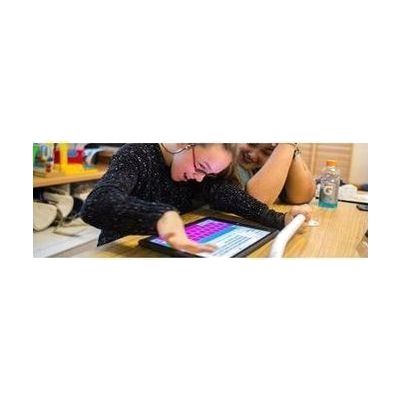
Keeble is an accessible keyboard for iPhone and iPad that you can use to type in almost any iOS app. It lets you change the colors and fonts, including a dyslexia-friendly font. It also has ways to cut down on typos, like selecting a key when you lift your finger and speaking each letter or word as you type. It's made for people with physical or vision impairments who find the standard keyboard hard to use, and it also has features for people with dyslexia.
Verified 4 days agoSetup with instructions